


Ender 3 v3 SE vs KE
The EnThe Ender 3 V3 SE and Ender 3 V3 KE have recently joined the lineup of Ender 3 series 3D printers from Creality. Launched in the fall of 2023, both printers come packed with cutting-edge features and capabilities.
This guide aims to walk you through the key similarities and differences between the Ender 3 V3 SE and Ender 3 V3 KE, helping you determine which model best meets your requirements.
Ender 3 V3 SE vs Ender 3 V3 KE
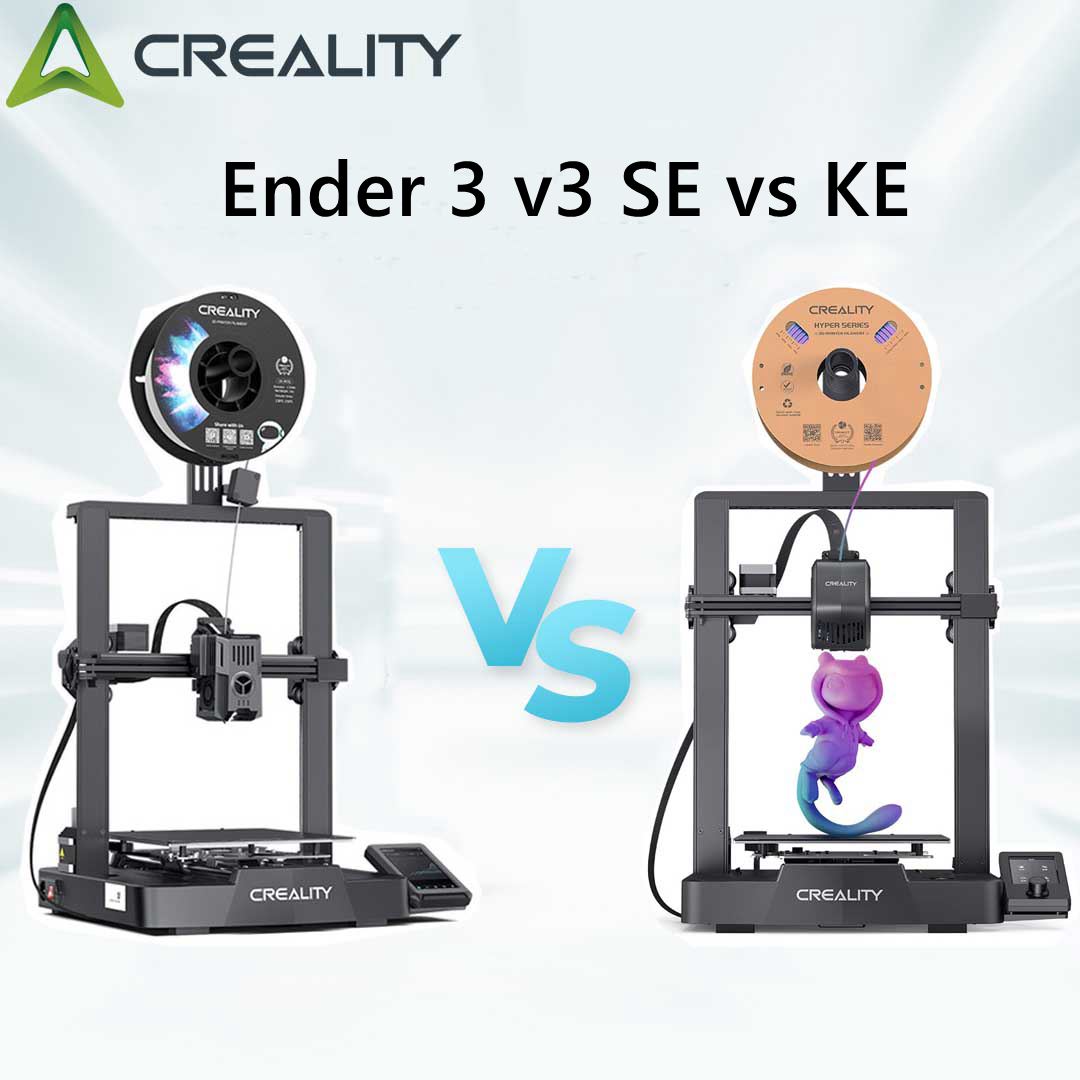
The Ender 3 V3 KE offers a suite of remarkable improvements that set it apart from the Ender 3 V3 SE. Engineered for exceptional precision and user ease, this 3D printer upgrades the experience significantly. Below is a concise overview highlighting the differences between the KE and the SE models:
| Model | Ender-3 V3 SE | Ender-3 V3 KE |
| Printing Technology | FDM | FDM |
| Build Volume | 220*220*250mm | 220*220*240mm |
| Product Dimensions | 349*364*490mm | 433*366*490mm |
| Package Dimensions | 575*390*235mm | 502*409*280mm |
| Net Weight(kg) | 7.12kg | 7.8kg |
| Gross Weigh(kg) | 9.14kg | 9.9kg |
| Build Surface | PC Spring Steel | PC Spring Steel |
| Display Screen | 3.2'' Color Knob Screen | 4.3" color touch screen |
| Resume Printing | Yes | Yes |
| Filament Detector | No | Yes |
| Dual Z-axis | Yes | Yes |
| Leveling Mode | Auto | Auto |
| Mainboard | 32-bit | 32-bit |
| File Transfer | SD Card | USB drive, LAN, Creality Cloud APP |
| Supported Filaments | PLA/PETG/TPU(95A) | LA, PETG, ABS, TPU(95A), ASA |
| Heatbed Temperature | 100℃ | 100℃ |
| Nozzle Temperature | 260℃ | 300℃ |
| Rated Voltage | 100-120V~, 200-240V~, 50/60Hz | 100-120V~, 200-240V~, 50/60Hz |
| Voltage Base | 24V | 24V |
| Rated Power | 350W | 350W |
| Max. Printing Speed | 250mm/s * | 500mm/s |
| Typical Printing Speed | 180mm/s | 300mm/s |
| Max. Acceleration | 2500mm/s² | 8000mm/s² |
| Extruder Count | 1 | 1 |
| Nozzle Diameter | 0.4mm (default) | 0.4mm (default) |
| Layer Heigh | 0.1-0.35mm | 0.1-0.35mm |
| Printing Accuracy | ±0.1mm | ±0.1mm |
| Filament Diameter | 1.75mm | 1.75mm |
| Formats for Slicing | STL/OBJ/3MF/AMF | STL/OBJ/3MF/AMF |
| Slicing Software | Creality Print, Cura, Simplify3D | Creality Print, Cura, Simplify3D |
Ender 3 V3 SE and KE Both Share Key Features:
Both models are equipped with Creality's Sprite direct drive extruder, renowned for its dependability and flexibility in printing materials like TPU. They also include the Creality CR-Touch automatic bed leveling sensor, ensuring dependable and consistent prints.
Another commonality is their use of the standard Cartesian motion system, which is widely prevalent among consumer-grade 3D printers.
- Build Volume: Despite slight differences in the Z-axis, both printers boast a similar build volume.
- Direct Drive Extruder: Features Creality's Sprite direct drive extruder, designed for dependable printing with flexible filaments.
- Automatic Bed Leveling: Comes with the CR-Touch sensor for enhanced bed calibration accuracy.
- Motion System: Employs a conventional Cartesian motion setup for reliable 3D printing.
- Dual Z Lead Screws: Both models are designed with dual Z lead screws for uniform gantry raising.
- Linear Rods for Y Axis: Engineered to mitigate vibration during high-speed prints
Ender 3 V3 SE vs KE Differences:
It also supports WiFi for remote control and monitoring—a feature absent in the SE model.
1. Controls and Firmware:
-
Ender 3 V3 KE excels with its "Creality OS" firmware, based on Klipper, boosting print speeds and allowing WiFi-based remote operations.
-
Ender 3 V3 SE comes with standard firmware, accompanied by a simpler screen interface and a knob for controls.
2. Print Speed:
-
The KE model impresses with speeds up to 500 mm/s (with a recommended speed of 300 mm/s).
-
The SE model offers a maximum speed of 250 mm/s, typically operating around 180 mm/s.
3. Hot End Features:
-
Ender 3 V3 KE’s hot end heats up to 300°C, thanks to a hefty 60W heater and a bimetallic heatbreak, to accommodate a broader range of materials.
-
Ender 3 V3 SE’s hot end reaches 260°C, catering to standard printing filaments.
4. Part Cooling:
-
The KE model employs dual cooling fans for balanced cooling.
-
In comparison, the SE features a single fan setup.
5. Print Bed:
-
KE sports a PEI bed for improved smoothness in prints and ease of part removal.
-
SE is equipped with a PC spring steel bed, with PEI as an upgrade option.
6. Print Volume:
-
A slight difference in Z-axis build volume: the KE model has 240 mm while the SE boasts 250 mm.
-
The SE also maintains a more compact footprint than its KE sibling.
7. Filament Sensor:
-
Ender 3 V3 KE includes a sensor to detect filament runout.
-
Ender 3 V3 SE offers this feature as an added upgrade option.
Exploring the Ender 3 V3 SE
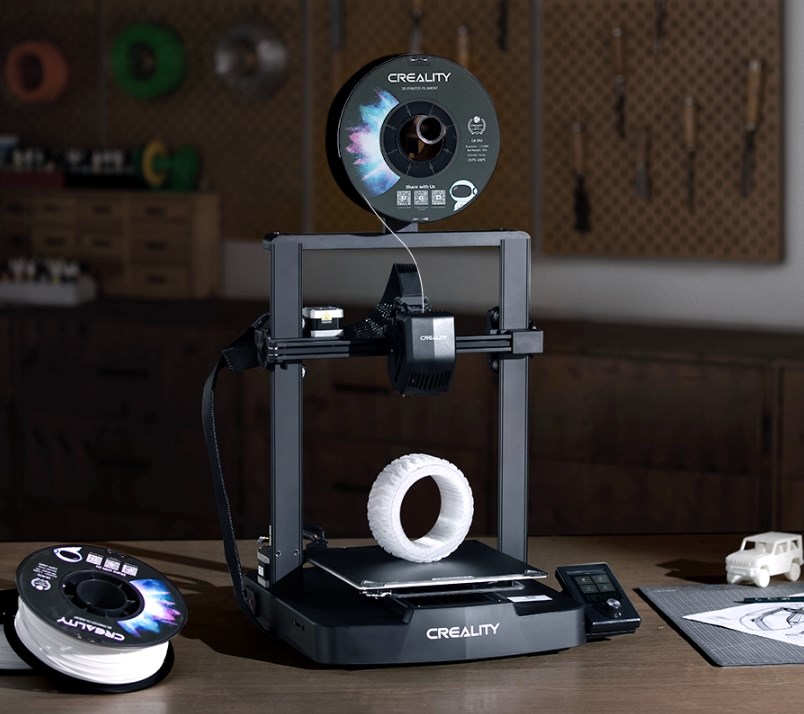
The Ender 3 V3 SE represents the latest iteration in the budget-friendly Ender 3 series, offering an outstanding option for newcomers thanks to its straightforward setup and ease of use. Priced at CA$269, this printer boasts high-end features like sophisticated auto-leveling technology taken from the K1 series, alongside the highly efficient Sprite direct drive system seen in the S1. It operates at an impressive speed of 250mm/s, powered by a solid framework and linear rods on the Y-axis for added stability. File transfer is facilitated via a traditional SD card, and screen-based step-by-step instructions simplify the assembly process.
Boasting a building volume of 220 x 220 x 250 mm, the Ender 3 V3 SE is equipped to work with materials like PLA, PETG, and TPU up to temperatures of 260 degrees. Included in the package are a full-sized SD card, a USB adapter, assembly and maintenance tools, plus a starter sample of white PLA filament for your initial creation. The machine arrives 90% assembled, requiring just a handful of screws to fully set up. While it may lack Wi-Fi connectivity, its exceptional print quality and ease of use position it as a leading choice in the budget 3D printing sphere.
Taking a Look at the Ender 3 V3 KE
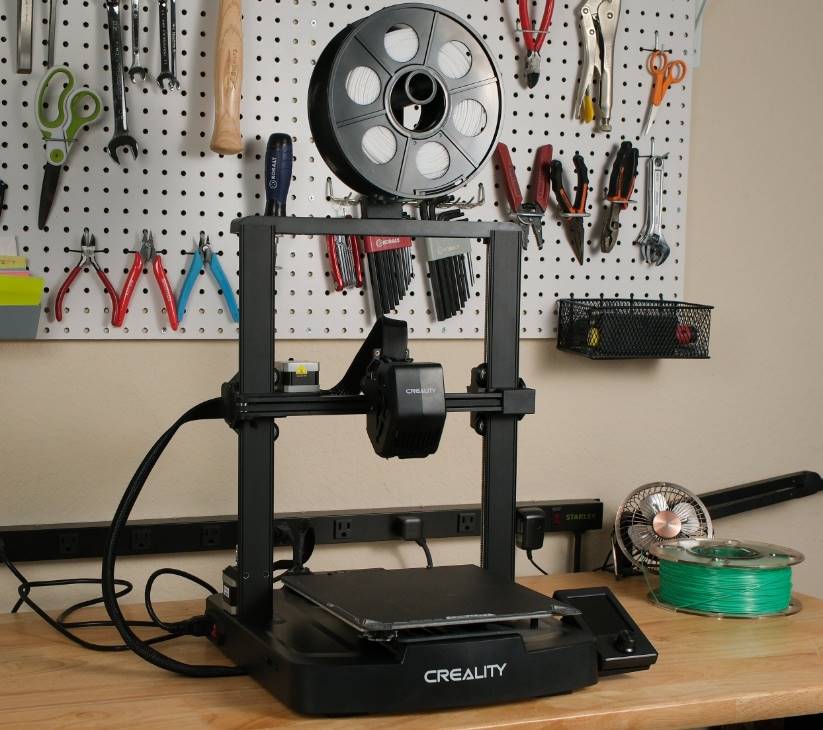
The Ender 3 V3 KE 3D printer distinguishes itself through its advanced features, including an X-axis linear rail, ensuring incredibly smooth motion and enhanced precision in printing. It runs on Creality OS firmware, offering superior improvements over the Ender 3 V3 SE's version. This refined firmware significantly boosts the print quality and user experience by cutting down on printing defects and optimizing filament flow. It comes equipped with a 4.3-inch touchscreen interface, providing a cleaner, more informative user interaction.
This model boasts a maximum print speed of 500mm/s, a performance made possible by both firmware and hardware upgrades, making it perfect for tasks requiring swift printing. The printer can easily manage high-temperature filaments thanks to its upgraded hotend, capable of reaching nozzle temperatures up to 300°C — making it suitable for printing materials like nylon.
The Ender 3 V3 KE supports three versatile connectivity options: USB drive printing, secure LAN printing with WiFi, and cloud printing. Additional highlights include dual cooling fans for rapid cooling of models, straightforward assembly, a one-tap self-test feature, automatic filament loading, and a hands-free auto-leveling function. In summary, the Ender 3 V3 KE stands out as an exemplary choice for achieving top-notch and efficient 3D printing.
Which Should You Choose? Ender 3 V3 SE or Ender 3 V3 KE?
Choosing between the Ender 3 V3 SE and the Ender 3 V3 KE boils down to your priorities in a 3D printer.
If you're just starting out, on a budget, or value simplicity, the Ender 3 V3 SE is an excellent pick. It provides high-quality prints, is easy to set up, and comes with user-friendly features.
On the other hand, if you need advanced capabilities like faster printing speeds, the ability to work with high-temperature materials, and more connectivity options, then the Ender 3 V3 KE could be the way to go. Though it might cost more, its upgraded features and improved user experience could make the investment worthwhile.
In essence, your choice should depend on your specific requirements, budget, and 3D printing expertise.
Conclusion
To wrap it up, both the Ender 3 V3 SE and the Ender 3 V3 KE make fine choices within the Ender 3 series. The SE model provides a cost-effective option that doesn't skimp on advanced features, while the KE version steps it up with additional perks for a premium.
With its improved firmware, quicker print speeds, and user-centered design, the Ender 3 V3 KE justifies its higher price point for many users. Nevertheless, if cost is a significant factor for you, the Ender 3 V3 SE remains a compelling option.
Recent News

6 Halloween 3D Prints for a Cosy Canadian October

Trick or Treat! Creality's Halloween Party Sale Extravaganza – A Haunting Deal is Coming!

Advantages of laser engraving (low investment high return)
