


The Best Guide to TPU Bed and Filament Temperature Settings
Thermoplastic Polyurethane (TPU) is widely favored in the 3D printing community for its flexibility, durability, and strength. Correctly adjusting the temperature settings for both the bed and the filament is crucial for successful TPU printing.
However, TPU’s pliability can pose challenges during printing, especially for extruders that struggle to handle its flexibility without causing issues like nozzle jams. This guide will cover the best TPU bed and filament temperature settings so you can achieve impeccable printing results every time.
What is TPU Material?

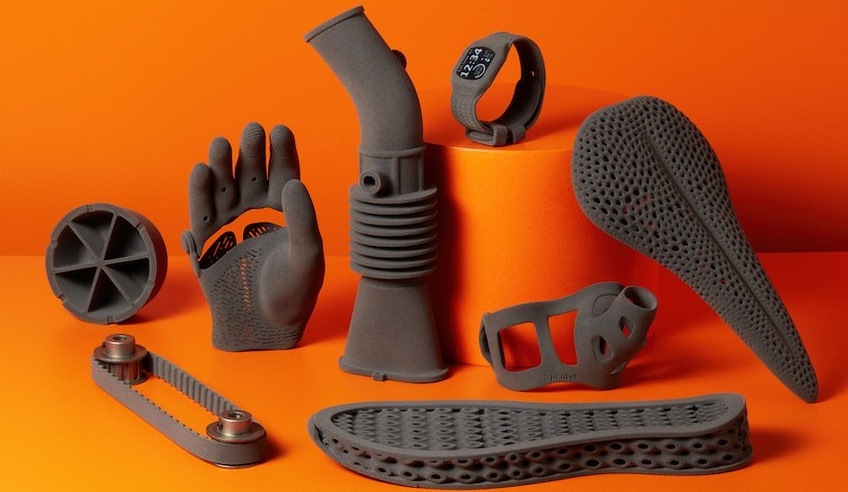
TPU (Thermoplastic Polyurethane) is a type of flexible, durable plastic used in a variety of applications. It is a highly versatile elastomer that combines the best properties of rubber and plastic. TPU is known for its exceptional toughness, abrasion resistance, and flexibility. It can be easily colored and is resistant to oils and greases, which makes it suitable for various uses in automotive parts, medical devices, footwear, inflatable rafts, and as a popular material for 3D printing due to its flexibility and strength.
In 3D printing, TPU is valued for its ability to produce parts with elastic properties, allowing the creation of objects that can bend, stretch, and compress while maintaining their original shape.
Optimal Temperature Settings for TPU
Hot End Temperature:
For most TPU filaments, a hot end temperature range between 210°C and 230°C is generally effective. However, the best temperature may vary depending on the specific brand and flexibility of the filament; for example, NinjaTek’s NinjaFlex might require temperatures around 225-250 °C, whereas MatterHacker’s Pro Series TPU could be set between 220-240 °C. Always check the manufacturer’s suggested temperature range first.
Bed Temperature:
TPU does not necessarily require a heated bed, but using one can prevent warping problems. The ideal bed temperature for TPU generally lies between 30°C and 60°C.
If you're printing in a cooler setting or want to enhance first-layer adhesion further, consider raising the bed temperature slightly within this range.
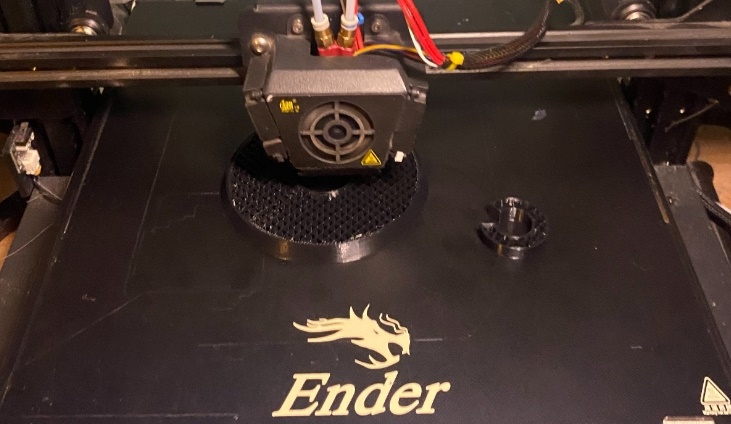
Ensuring your print surface is clean and well-prepared whether you use a heated bed or not, is instrumental in print success.
Printer Speed and Cooling
Adjusting your printer’s speed and cooling settings also enhances your TPU printing successes:
- Print Speed: Slower speeds, around 15-30 mm/s, are preferable since TPU is flexible and can buckle under faster extrusion rates.
- Cooling Fan: Start with a 50% fan speed and adjust based on the detail and type of the print. Overspeed might result in warping or poor inter-layer adhesion.
Recognizing and Adjusting Bad Signs
Over-extrusion:
Visible issues such as stringing, blobs, zits, or scarring indicate a too-high temperature setting. If you encounter these problems, reduce the hot end temperature by increments of 5°C until the issue resolves.
Under-extrusion:
If you notice small gaps in your print, hear a clicking sound from the extruder, or see the filament grinding, your nozzle temperature might be too low. Under-extrusion often leads to poor layer-to-layer adhesion. Increase your temperature in small increments of 5°C to find a more suitable setting.
Additional Considerations
Bed Adhesion and Warping:
To combat warping, consider increasing the bed temperature. For issues like elephant’s foot, where the first layer spreads out too much, slightly decrease the bed temperature.
Part Cooling:
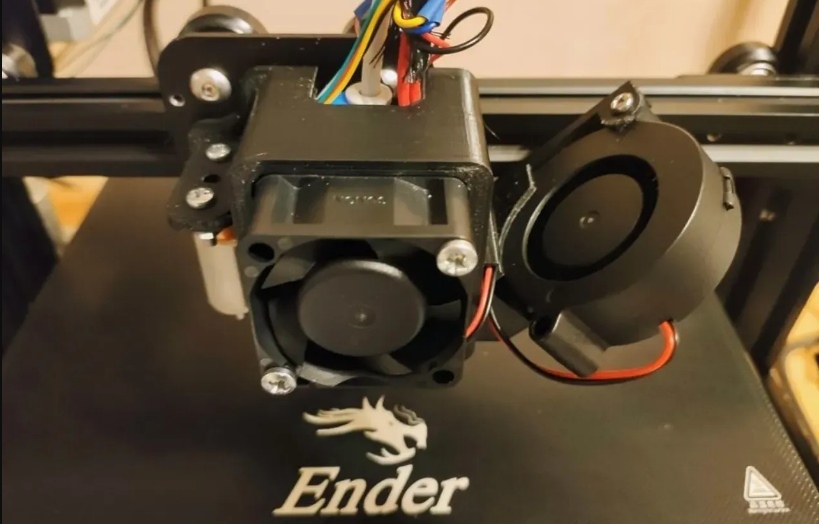
TPU’s elasticity can be affected by cooling; thus, it is wise to turn off part cooling for the first few layers to enhance adhesion, then set a low to medium fan speed for the subsequent layers to prevent stringing and ensure good overhang performance.
External Influences:
The environment, including room temperature and airflow, can significantly impact print quality. Consider enclosing your printer if you're experiencing issues likely caused by external conditions.
Filament Condition:
Since TPU absorbs moisture readily, ensure your filament is dry before use. Moist filament can lead to surface quality defects and inconsistent extrusion.
FAQs about TPU Bed and Filament Temperature Settings
1. What is the optimal hot end temperature for printing with TPU?
The optimal hot end temperature for TPU is usually between 210°C and 250°C. Check the filament manufacturer's recommendations for the best results.
2. What should the bed temperature be set at for TPU?
Set the bed temperature between 30°C and 60°C to enhance first-layer adhesion and prevent warping.
3. How do temperature settings affect TPU print quality?
Incorrect temperatures can cause under-extrusion (too low) or over-extrusion (too high). The bed temperature affects first layer adhesion; too low might cause warping, too high can produce an elephant’s foot.
Adjusting these settings in small increments and observing the effects in test prints is key to determining the optimal temperatures for your specific printer and filament batch.
Learn more if you are interested in Creality K2 Plus Filament Parameters Settings Guide
Conclusion
By understanding these specific settings and signs, you can better navigate the complexities of TPU printing and achieve high-quality, flexible prints. For optimal results, consider using Creality TPU 3D Printer Filament, designed to enhance the quality of your prints. Remember that experimentation and small adjustments can significantly improve your results, reflecting the dynamic nature of 3D printing.
Recent News

Creality Ender 3D Printers Compared: Which Printer Is Better for You?

3D Printer Nozzle Blocked? Causes and Safe Fixes

10 Best Back-to-School 3D Prints for Students in 2026
