


ABS Print Speed Guide: How to Optimize for Quality & Efficiency
ABS is a strong and practical 3D printing material, but it is less forgiving than PLA. If you print it too fast, the part may warp, split or lose surface quality. If you print it too slowly, heat can build up around the model and increase the risk of soft edges, poor detail and longer print times.
The key is not simply choosing the fastest possible setting. For reliable ABS printing, you need to balance print speed with nozzle temperature, bed temperature, enclosure stability, cooling, retraction and first-layer adhesion.
This guide explains how to choose a suitable ABS print speed, how to tune your slicer settings and why enclosed Creality printers such as the K1 Series and K2 Series are better suited to ABS and ASA than open-frame machines.
Why ABS Print Speed Matters
ABS, short for acrylonitrile butadiene styrene, is known for its toughness, impact resistance and heat resistance. These qualities make it useful for functional parts, brackets, housings, workshop tools and engineering-style prototypes.
However, ABS also shrinks as it cools. If the material cools too quickly or unevenly, the print can warp, lift from the bed or crack between layers. Print speed affects how much time each layer has to bond, cool and stabilise before the next layer is added.
When printing ABS, speed has a direct influence on:
- First-layer adhesion: A stable first layer helps prevent warping and corner lifting.
- Layer bonding: Suitable speed gives layers enough time to fuse properly.
- Surface quality: Excessive speed can cause ringing, rough walls or inconsistent extrusion.
- Dimensional accuracy: ABS shrinkage needs stable heat and controlled movement.
- Print reliability: The right speed reduces failed prints and wasted filament.
Recommended ABS Print Speed
For most FDM printers, a practical ABS print speed range is around 30–60 mm/s. This is a sensible starting point for balancing quality, strength and reliability.
On a well-tuned enclosed printer, higher speeds may be possible. However, speed should always be tested alongside temperature, flow rate, part size and enclosure conditions. A fast ABS profile is only useful if the print remains strong, flat and dimensionally stable.
| Print Scenario | Suggested ABS Speed | Notes |
|---|---|---|
| Small functional parts | 35–50 mm/s | Good balance of strength and surface quality. |
| Large flat parts | 30–45 mm/s | Slower speed can help reduce warping and improve adhesion. |
| Draft prototypes | 50–80 mm/s | Possible on enclosed, well-tuned machines with suitable flow capacity. |
| High-detail parts | 25–40 mm/s | Useful for cleaner corners, text and visible surfaces. |
Use these values as starting points rather than fixed rules. Your best ABS speed will depend on your printer, hotend, filament, nozzle size and model geometry.
Best Temperature Settings for ABS

ABS usually needs a higher nozzle temperature than PLA or PETG. A common starting range is:
- Nozzle temperature: 230–260°C
- Bed temperature: 90–110°C
- Cooling fan: Low or off for most ABS prints
- Enclosure: Strongly recommended
If the nozzle temperature is too low, the layers may not bond properly. If it is too high, you may see stringing, blobs, soft details or discolouration. Always check the filament manufacturer’s recommended temperature range and adjust gradually.
For general material setup, you can also explore Creality UK 3D printing filament to match your material choice with the right printer and application.
Why an Enclosure Is Important for ABS
ABS benefits from a warm and stable printing environment. An enclosure helps reduce rapid temperature changes around the model, which is one of the main causes of warping and layer splitting.
An enclosed or chamber-assisted printer can help:
- Keep the print environment more stable.
- Reduce draughts and sudden cooling.
- Improve layer adhesion.
- Reduce warping on larger parts.
- Make ABS and ASA printing more reliable.
Open-frame printers can print small ABS parts with careful tuning, but they are more sensitive to room temperature, airflow and bed adhesion. For regular ABS printing, enclosed machines are a more practical choice.
Recommended Creality Printers for ABS
For ABS and ASA, it is better to use enclosed or chamber-stable printers rather than relying on open-frame machines. The Creality K1 Series and K2 Series are more suitable options because they are designed for higher-speed FDM printing and better environmental control.
K1 Series
The K1 Series is a strong choice for users who want faster ABS printing in a more controlled setup. Its enclosed structure helps reduce temperature fluctuations, while the high-temperature hotend supports more demanding filaments than basic PLA-focused machines.
K2 Series
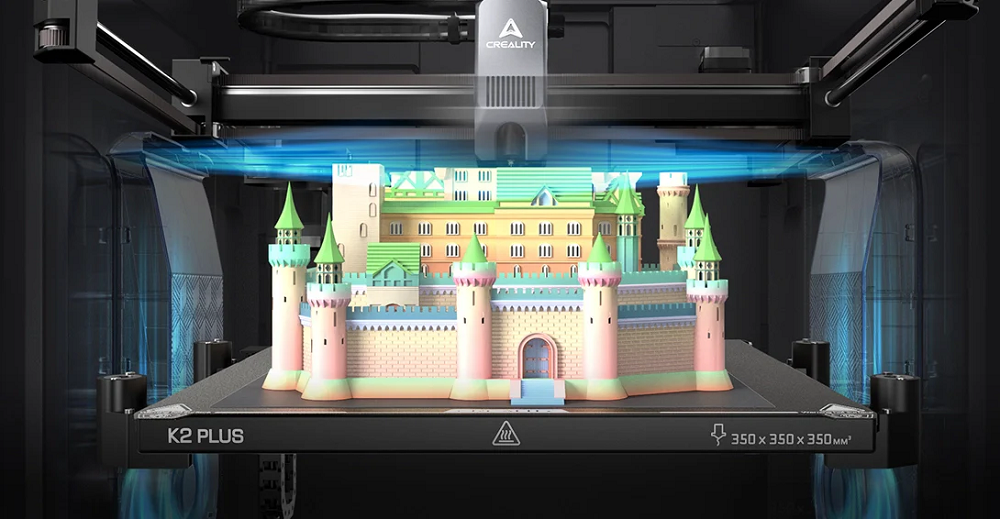
The K2 Series is better suited to users who want more advanced performance, larger build options or multi-material workflows depending on the model. For ABS and ASA, the more stable printing environment makes it easier to maintain adhesion and layer strength.
You can browse Creality UK K1 and K2 Series 3D printers to choose a machine that fits your ABS printing needs.
How to Optimise ABS Print Speed
1. Start with a Conservative Speed
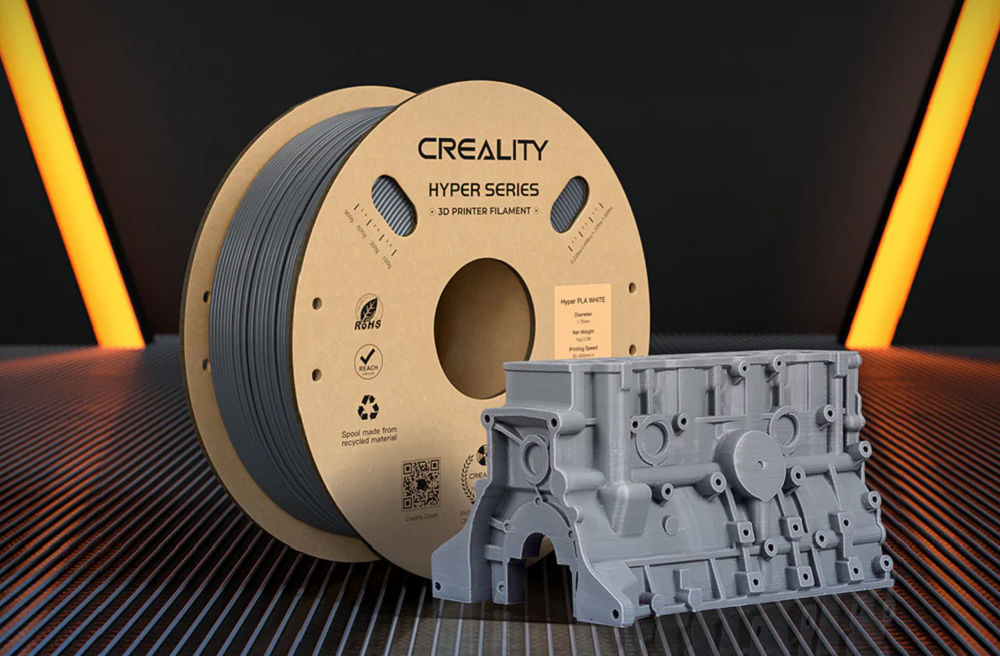
Start at around 40 mm/s for your first ABS test print. This gives you a stable baseline for checking bed adhesion, layer bonding and surface quality.
Once the print is reliable, increase speed in small steps. Avoid jumping straight to a high-speed profile before confirming that temperature, flow and adhesion are stable.
2. Tune the First Layer Separately
The first layer should normally print slower than the rest of the model. A first-layer speed of around 15–25 mm/s can help ABS bond to the build plate more consistently.
Good first-layer setup is essential for ABS. If the first layer is uneven, the print is much more likely to warp or detach. For more detail, read the 3D printer bed levelling guide.
3. Keep Cooling Low
ABS usually prints best with little or no part cooling. Too much fan cooling can make layers contract too quickly, increasing the risk of cracks, weak bonding and warping.
For bridges or small details, a small amount of controlled cooling may help, but it should be used carefully. The goal is to keep the material warm enough for strong layer bonding while still preserving shape and detail.
4. Match Speed with Flow Capacity
Higher print speed requires the hotend to melt and push more material through the nozzle. If the hotend cannot keep up, the print may show under-extrusion, weak walls or gaps between lines.
If you want to print ABS faster, check:
- Nozzle temperature
- Nozzle diameter
- Volumetric flow limit
- Extruder grip
- Filament quality
- Slicer flow settings
5. Adjust Retraction Carefully
ABS can string if the temperature is too high or retraction is not tuned correctly. However, excessive retraction can also cause grinding, clogs or inconsistent extrusion.
Start with your printer’s default ABS profile, then adjust retraction distance and speed gradually. If you are seeing fine strings between separate parts of the model, our 3D printing stringing fixes guide explains how to tune retraction and temperature together.
ABS Print Speed by Model Type
Functional Brackets and Mounts
Use a moderate speed around 35–50 mm/s with strong walls and suitable infill. Prioritise layer bonding over maximum speed, especially if the part will carry weight or experience stress.
Large Flat Parts
Use slower speeds, a hot bed and an enclosed printer. Large ABS parts are more likely to warp because they shrink across a wider area. Brims can also help improve bed adhesion.
Decorative ABS Prints
Use slower outer wall speeds for cleaner surfaces. You can keep inner walls and infill slightly faster if the printer remains stable.
Draft Prototypes
For quick fit checks, you can increase speed once your ABS profile is reliable. Reduce expectations for surface finish if speed is the main priority.
Common ABS Printing Mistakes
1. Printing Too Fast Without an Enclosure
Fast ABS printing on an open-frame printer often leads to warping, weak layers and inconsistent results. If you need reliable ABS parts, use an enclosure or choose a printer designed for a more stable chamber environment.
2. Using Too Much Cooling
ABS does not behave like PLA. High fan cooling can cause rapid shrinkage and poor layer bonding. Keep cooling low unless the model has specific bridging or detail requirements.
3. Ignoring Bed Adhesion
ABS needs a heated bed and a clean build surface. If the print detaches from the bed, the job is usually not recoverable. Clean the plate, use suitable bed temperature and consider a brim for large or narrow parts.
4. Increasing Speed Without Checking Flow
Speed and flow are connected. If you increase print speed but the hotend cannot melt enough filament, the part may become weak or incomplete. Increase speed gradually and inspect the walls carefully.
5. Using PLA Settings for ABS
ABS requires different temperature, cooling and enclosure settings from PLA. Do not simply reuse a PLA profile and change only the filament name.
ABS vs PLA and PETG Print Speed
PLA is usually easier to print quickly because it has lower temperature requirements and is less prone to warping. PETG is tougher than PLA but can be stringier and may need careful cooling and retraction.
ABS can produce strong and heat-resistant parts, but it needs a more controlled environment. In practice, a slightly slower ABS print on an enclosed printer is often more useful than a faster print that warps or splits.
Safety and Ventilation Tips for ABS
ABS printing should be done in a well-ventilated area. A suitable enclosure helps stabilise temperature, but the printer should still be used responsibly according to the manufacturer’s guidance.
- Use ABS in a ventilated space.
- Avoid placing the printer in a cold draught.
- Do not open the enclosure frequently during printing.
- Allow the print to cool gradually before removal.
- Follow local safety guidance for indoor 3D printing materials.
Suggested ABS Starting Profile
| Setting | Starting Value |
|---|---|
| Print speed | 40 mm/s |
| First-layer speed | 15–25 mm/s |
| Nozzle temperature | 240–250°C |
| Bed temperature | 95–105°C |
| Cooling fan | Off or low |
| Enclosure | Recommended |
| Brim | Recommended for larger parts |
These are starting values. Always adjust based on your filament brand, printer model, nozzle size and part geometry.
Conclusion
The best ABS print speed is not always the highest speed. For most users, a controlled speed around 30–60 mm/s is a more reliable starting point than an aggressive high-speed profile.
To print ABS successfully, focus on the full system: stable enclosure, hot bed, suitable nozzle temperature, low cooling, good first-layer adhesion and carefully tuned retraction. For regular ABS and ASA printing, Creality K1 Series and K2 Series printers are better choices than open-frame beginner machines.
Once your baseline profile is stable, increase speed gradually and test with real parts. This approach helps you produce stronger, cleaner and more reliable ABS prints with less wasted filament.
Recent News

Creality QuarTeks™ vs KliTek™: Two Approaches to Multicolour 3D Printing

24 Cool Stuff to 3D Print - Fun & Useful 3D Print Ideas

Free Halloween 3D Print Files: What to Download
