


Top 10 3D Printing Software Tools for 2024
Do you need help with complex design software that doesn't meet your needs? Do you spend countless hours navigating through confusing interfaces, only to end up with subpar results? If you nod your head in agreement, then you're in luck! In the ever-evolving world of 3D printing, having the right software tools at your disposal can make all the difference in bringing your creative visions to life.
Whether you're a seasoned professional or just starting your 3D printing journey, access to top-notch software can streamline your workflow, unleash your creativity, and ultimately lead to better results. In this comprehensive guide, we'll deeply dive into the top 10 3D printing software tools for 2024, ranging from beginner-friendly options to advanced solutions tailored for professionals. So, without further ado, let's explore the exciting world of 3D printing software and discover the perfect tool for your needs.
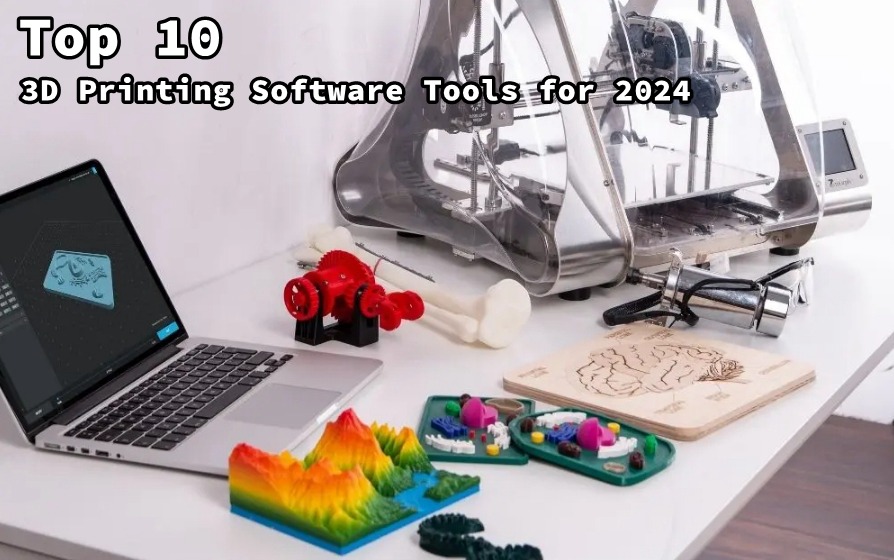
Top 10 3D Printing Software Tools of 2024
1. Autodesk Fusion 360
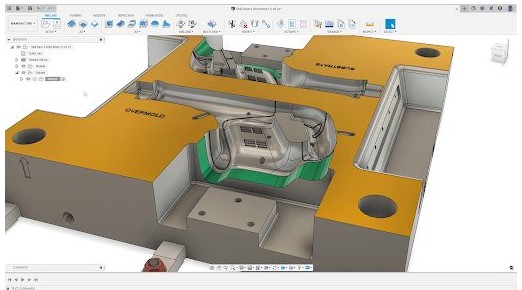
Autodesk Fusion 360 is one of the most comprehensive 3D printing software solutions available today. This cloud-based platform seamlessly integrates CAD, CAM, and CAE tools, offering a robust suite of features for 3D product design and manufacturing.
Whether you're a serious hobbyist or a seasoned professional, Fusion 360 has you covered with its flexible parametric modelling, simulation, rendering, slicing, and data management capabilities. Plus, with its "personal use" version offering limited features for free, it's accessible to a wide range of users.
Autodesk Fusion 360 isn't just about creating static designs; it's a platform that enables you to bring your ideas to life in ways you never thought possible. With its integrated CAM tools, you can seamlessly transition from design to manufacturing, streamlining your workflow and reducing time to market. Plus, with its cloud-based data management features, you can collaborate with team members in real-time, ensuring everyone is always on the same page.
Pros:
- Flexible 3D CAD, CAM, and CAE functions
- Seamless 3D design simulation
- Integrated cloud collaboration tools
- Generative designs with simulation and analysis tools
- Cloud-based data management
2. Blender
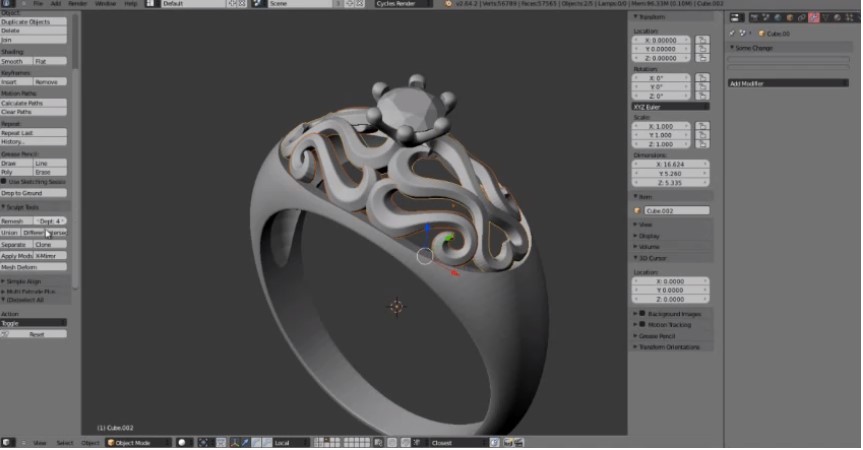
Blender has long been a favourite among 3D enthusiasts for its versatility and open-source nature. This free software offers many features, including modelling, sculpting, rendering, and texturing, making it suitable for various projects.
With its active community contributing to tutorials, plugins, and ongoing development, Blender provides a user-friendly experience across Windows, Linux, and macOS platforms.
Blender isn't just a 3D modelling tool; it's a creative playground where your imagination can run wild. Whether you're sculpting characters for a video game, animating a short film, or designing prototypes for a product, Blender offers the tools you need to bring your ideas to life. And with its open-source nature, you can rest assured that there's a vibrant community of developers constantly pushing the boundaries of what's possible.
Pros:
- Open-source platform
- Active community support
- Suitable for several platforms
- Library of user-contributed add-ons
3. CATIA
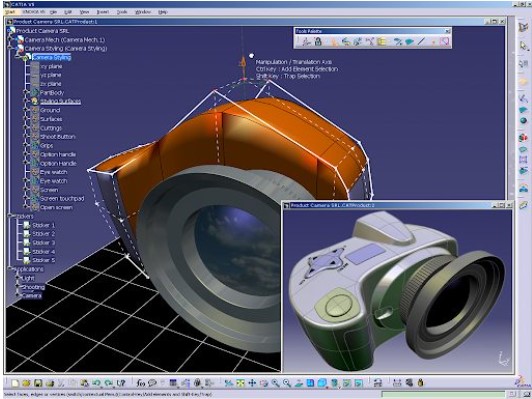
CATIA, developed by Dassault Systèmes, is a powerhouse software suite designed for complex 3D modelling across various industries. With its advanced product design, engineering, and simulation tools, CATIA is the go-to choice for aerospace, industrial equipment, and more.
Its user-friendly interface and robust collaboration features make it an indispensable tool for tackling large-scale projects.
CATIA isn't just a tool for designing products; it's a platform for innovation. With its advanced simulation capabilities, you can test your designs in virtual environments, ensuring that they meet the highest quality and performance standards. Plus, collaboration features allow you to work seamlessly with team members across different disciplines, bringing together the best minds to solve complex problems.
Pros:
- Advanced design tools
- User-friendly interface
- Built for complex designs and large-scale projects
- Facilitates collaboration on projects
- Surface modelling and realistic rendering capabilities
4. Creo
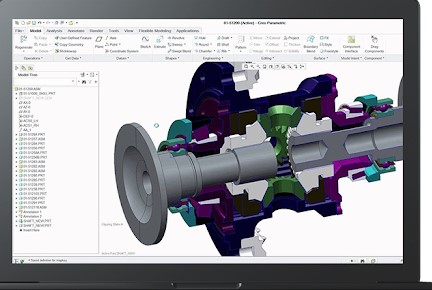
Creo stands out as a comprehensive solution for 3D CAD, CAM, and CAE, offering various product conceptualisation, design, analysis, and validation features. With its support for advanced capabilities such as generative design, product data management, rendering, and 3D animation, Creo empowers engineers to quickly bring their ideas to life.
Creo isn't just a tool for designing products; it's a platform for innovation. With its advanced capabilities, you can explore new design concepts, iterate quickly, and bring your ideas to life faster. Plus, with its compatibility with IoT and AR applications, you can explore new ways to interact with your designs, creating immersive experiences that captivate your audience.
Pros:
- Handles large and complex assemblies
- Facilitates collaboration and teamwork
- Interoperability with other CAD formats
- Compatibility with IoT and AR applications
5. FreeCAD
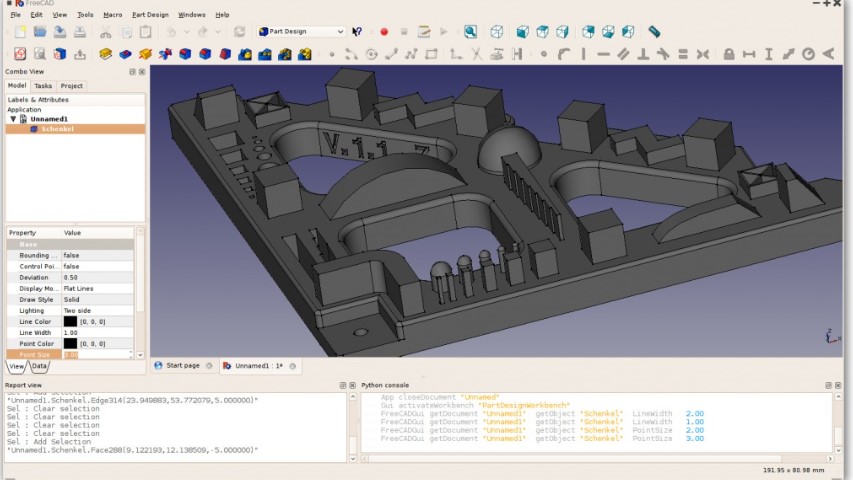
FreeCAD is a free, open-source parametric 3D modeller and BIM software catering to hobbyists and experienced CAD users. With its advanced tools for designing complex 3D models, FreeCAD is a versatile option for product design, mechanical engineering, and architecture. Its multi-platform support and extensibility via Python programming further enhance its appeal.
FreeCAD isn't just a tool for designing products; it's a platform for exploration. With its parametric modelling capabilities, you can easily explore different design iterations, making refining your ideas and finding the perfect solution more accessible than ever. Plus, with its multi-platform support, you can work seamlessly across various operating systems, ensuring you're consistently productive no matter where you are.
Pros:
- Free and easy-to-use interface
- Texture mapping capabilities
- OpenCasCade-based geometry kernel
- Full parametric model
- Multi-platform compatibility
6. AstroPrint
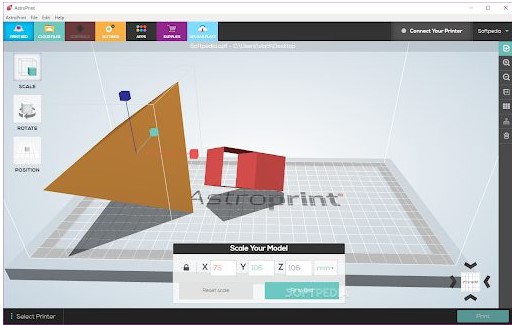
AstroPrint offers a cloud-based slicing solution suitable for hobbyists and large-scale manufacturers alike. With its intuitive interface and advanced analytics, AstroPrint streamlines the printing process, allowing users to easily slice and print wirelessly. Whether you're a novice or a seasoned pro, AstroPrint has the tools to optimise your production workflow.
AstroPrint isn't just a tool for slicing 3D models; it's a platform for streamlining your production workflow. With its advanced analytics, you can identify inefficiencies in your process and make data-driven decisions to optimise your production. Plus, with its cloud-based collaboration features, you can work seamlessly with team members across different locations, ensuring everyone is always on the same page.
Pros:
- Compatible with a vast array of printers
- Suitable for small and large-scale production
- Advanced analytics to optimise production
- Real-time progress view of prints
- Cloud-based collaboration
7. Lychee Slicer
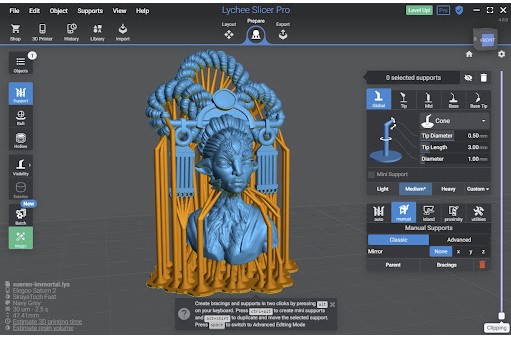
Lychee Slicer specialises in translating 3D models into layer-by-layer instructions for resin and SLA 3D printers. With its customisable settings and user-friendly interface, Lychee Slicer empowers users to fine-tune print settings and streamline the path from design.
To high-quality resin prints. Whether a hobbyist or a professional, Lychee Slicer offers the tools you need to achieve stunning results.
Lychee Slicer isn't just a tool for slicing 3D models; it's a platform for achieving perfect prints every time. With its customisable settings, you can fine-tune every aspect of your print, ensuring that it meets your exact specifications. Plus, with its real-time tools, you can monitor your print progress and adjust on the fly, ensuring you get the best results possible.
Pros:
- Resin-focused 3D slicer
- Customisable settings
- User-friendly interface
- Compatibility with a wide range of resin materials
- Real-time tools to improve printing workflow
8. PrusaSlicer
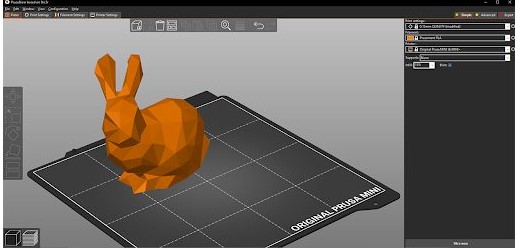
PrusaSlicer, based on Slic3r, is a free, open-source software renowned for its simplicity and versatility. With features such as LCD and multi-material support, mesh mixing, and advanced print settings, PrusaSlicer caters to a wide range of users, from novices to seasoned professionals. Its multi-platform compatibility and extensive customisation options further enhance its appeal.
PrusaSlicer isn't just a tool for slicing 3D models; it's a platform for pushing the boundaries of what's possible. With its advanced features and extensive customisation options, you can explore new techniques, experiment with different materials, and push the limits of your creativity. Plus, with its multi-platform compatibility, you can work seamlessly across various devices, ensuring you're consistently productive no matter where you are.
Pros:
- LCD and multi-material support
- User-friendly interface
- Advanced print settings
- Multi-platform compatibility
- Supports various filament materials
9. Ultimaker Cura
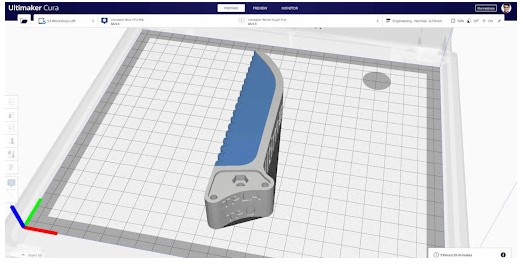
Ultimaker Cura is a free 3D slicing software with over 400 settings suitable for designers of all experience levels. With its intuitive interface and extensive customisation options, Ultimaker Cura allows users to convert 3D models into printable instructions efficiently. Whether you're a beginner or an expert, Ultimaker Cura has the tools to bring your ideas to life.
Ultimaker Cura isn't just a tool for slicing 3D models; it's a platform for unleashing your creativity. With its extensive customisation options, you can fine-tune every aspect of your print, ensuring that it meets your exact specifications. Plus, with its CAD plugin integration, you can seamlessly integrate Ultimaker Cura into your existing workflow, ensuring you're consistently productive, no matter your tools.
Pros:
- Multi-platform compatibility
- Custom mode with over 400 settings
- CAD plugin integration
- Intuitive surface with easy UI
10. Tinkercad
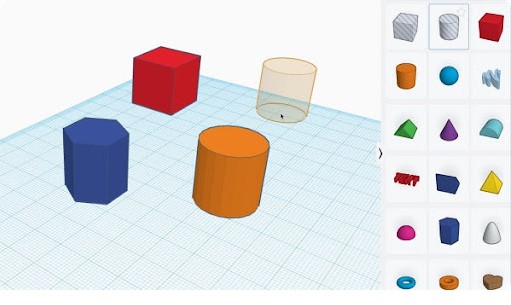
Tinkercad rounds out our list as free 3D modelling software on a web browser. With its easy-to-use interface and step-by-step tutorials, Tinkercad is ideal for designers without 3D experience. Whether a student or a seasoned professional, Tinkercad offers the tools to unleash your creativity and bring your ideas to life.
Tinkercad isn't just a tool for creating 3D models; it's a platform for learning and exploration. With its intuitive interface and step-by-step tutorials, you can quickly get up to speed and start creating unique designs in no time. Plus, with its web-based platform and real-time collaboration features, you can work seamlessly with team members from anywhere worldwide, ensuring that you're always connected and productive.
Pros:
- Drag-and-drop shapes
- Step-by-step tutorials
- Library of pre-built shapes
- Web-based platform for real-time collaboration
- Codeblocks feature for simple programming-based design
Recommended reads:
Top 10 of the Best 3D Modeling Software of 2024
Top 10 3D Printed Shoes Designs of 2024
Conclusion
3D printing software is vast and ever-evolving, with many options for every need and skill level. Whether you're a hobbyist looking to explore the possibilities of 3D printing or a professional seeking to streamline your workflow, there's a software tool for you. And remember, no matter which software you choose, you can always rely on Creality's 3D printers to bring your designs to life with precision and reliability. So why wait? Start exploring the exciting world of 3D printing today!
Read more if you are interested in:
How to 3D Print a QR Code with 3 Simple Steps
Recent News

8 Halloween 3D Print Ideas to Make Before October 31

Ender Series 3D Printers Parameter Comparison

Creality Back-to-School Sale 2026: Save Up to 50% on 3D Printers and More
