


Best Slicer for Ender 3 V3 KE 2024
The Ender 3 V3 KE is one of the most affordable and reliable high-speed 3D printers, known for its impressive print quality. To maximize its potential, you need the right slicing software, which converts your 3D model into instructions the printer can understand. This is crucial for achieving high-quality prints.
In this article, we'll explore the best slicers for the Ender 3 V3 KE, including Orca Slicer, Cura, Creality Print, and PrusaSlicer. Let's get started!
Foreword:
The Ender 3 V3 KE is open source, compatible with various slicers, and the best choice depends on your needs and preferences. Each slicer has its own pros and cons. We also consider several factors when we make a choice:
Price: Evaluate the cost relative to your budget.
Quality: Ensure the slicer delivers the desired print results.
Pros and Cons: Understand the benefits and drawbacks of each slicer.
User Experience: Choose a slicer with an intuitive interface.
Community: Assess the availability of support from other users.
Don't be discouraged if your slicer isn't perfect at first. Mastering it takes practice, and constant test prints and tweaking will improve your familiarity and print quality.
If problems arise, a quick internet search can provide helpful solutions, as others have likely faced similar issues. Embrace the learning curve and use online resources for troubleshooting and optimization. Perfecting your 3D printing skills offers opportunities for creativity and innovation in your projects.
Best Slicer for Ender-3 V3 KE
1. Cura
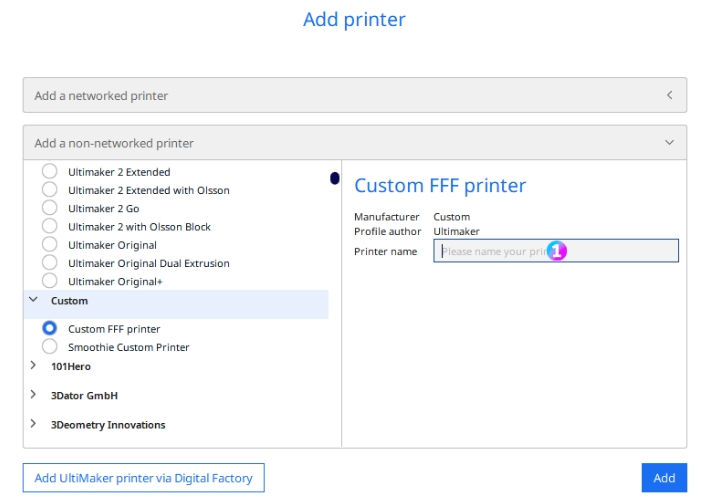
Developed by Ultimaker, Cura is one of the most popular slicers in the 3D printing community. Its user-friendly interface is easy to learn and master. As an open-source slicer, Cura is free to use on Windows, Mac, and Linux. It supports popular file formats like OBJ, 3MF, and STL, making it suitable for a wide range of projects. Additionally, Cura can repair files if needed, enhancing its overall usefulness.
Extensive Material Profiles
Cura provides a range of pre-set slicer profiles optimized for different materials, including PLA, ABS, PETG, and TPU.
Customizable Settings
Cura offers excellent customization capabilities with nearly 500 settings to tailor your printing experience. From layer height to print speed, it provides a wide range of options to fine-tune your prints.
Plugins and Extensions
Enhance Cura’s functionality with a variety of plugins and extensions available through its marketplace.
Pros:
- Best for: Advanced users
- Price: Free
- Platforms: Mac, Windows, Linux
- Where to download: Ultimaker
- Large community support
- Regular updates and improvements
- Extensive customization options
Cons:
- Can be overwhelming for beginners due to its multitude of settings
Version 5.7.2 of Cura only has preset files for some Creality 3D printers. Users can customise the configuration to achieve Ender-3 V3 KE print file settings.
Click Optimizing Ender 3 V3 Ke with Cura: Settings & Guide.
2. Creality Print
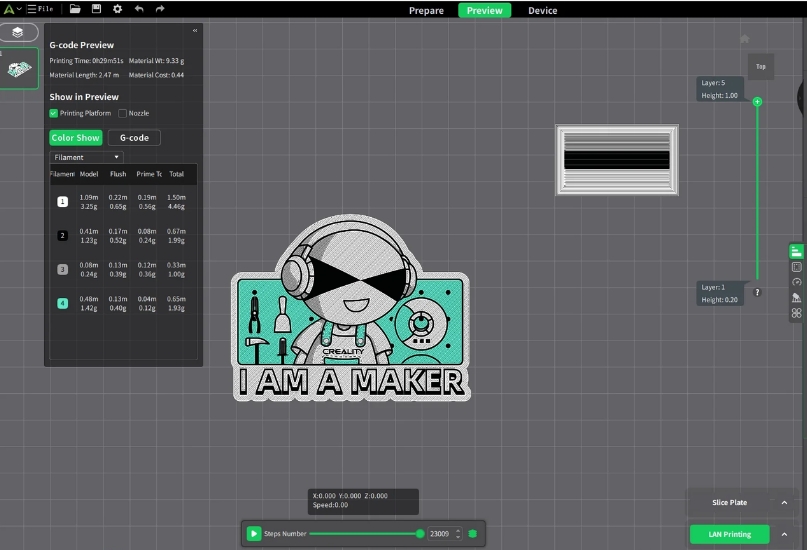
Launched in 2022, Creality Print is the official slicer software for FDM printers. Designed to work seamlessly with Creality printers, it offers optimized settings and a user-friendly interface. Creality Print comes with pre-configured files specifically for the Ender 3 V3 KE, and users can also copy the V3 KE's G-code to other slicer files for debugging prints.
Creality Print includes a built-in 3D model library with designs from various sources, allowing users to easily search, import, upload, and edit models directly within the slicer. Additionally, users can remotely control and monitor prints, fine-tune print settings, and more.
The software provides multiple options for sending G-code to the printer, including via USB serial port, Wi-Fi, and the Creality Cloud App (available on the App Store and Google Play). To download Creality Print, visit the official Creality website.
3. PrusaSlicer
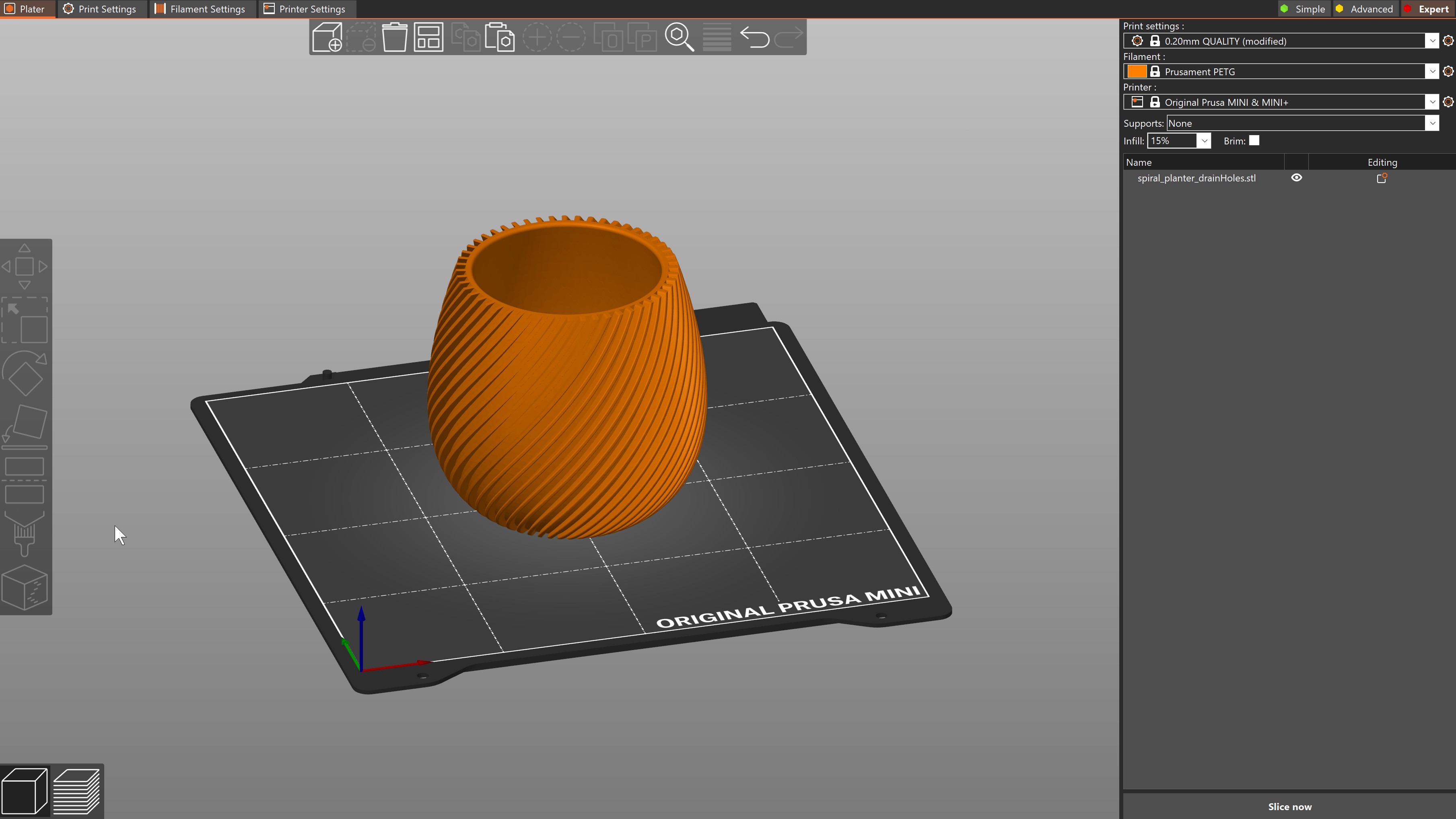
Developed by Prusa Research, PrusaSlicer is an open-source and free 3D slicer renowned for its versatility and advanced features, making it an excellent choice for the Ender 3 V3 KE. Based on the popular Slic3r software, PrusaSlicer has been extensively modified and enhanced for a superior slicing experience.
Like Cura, PrusaSlicer is compatible with Windows, Mac, and Linux, and supports both FDM and resin-based 3D printers. It can import STL, OBJ, 3MF, and AMF files, and offers file repair capabilities.
Notable features include OctoPrint compatibility, custom supports, vase mode, hatch patterns, G-code macros, and extensive settings. For those seeking more advanced options, SuperSlicer — a branch of PrusaSlicer — offers additional features for experienced users willing to navigate potential errors.
4. Orca Slicer
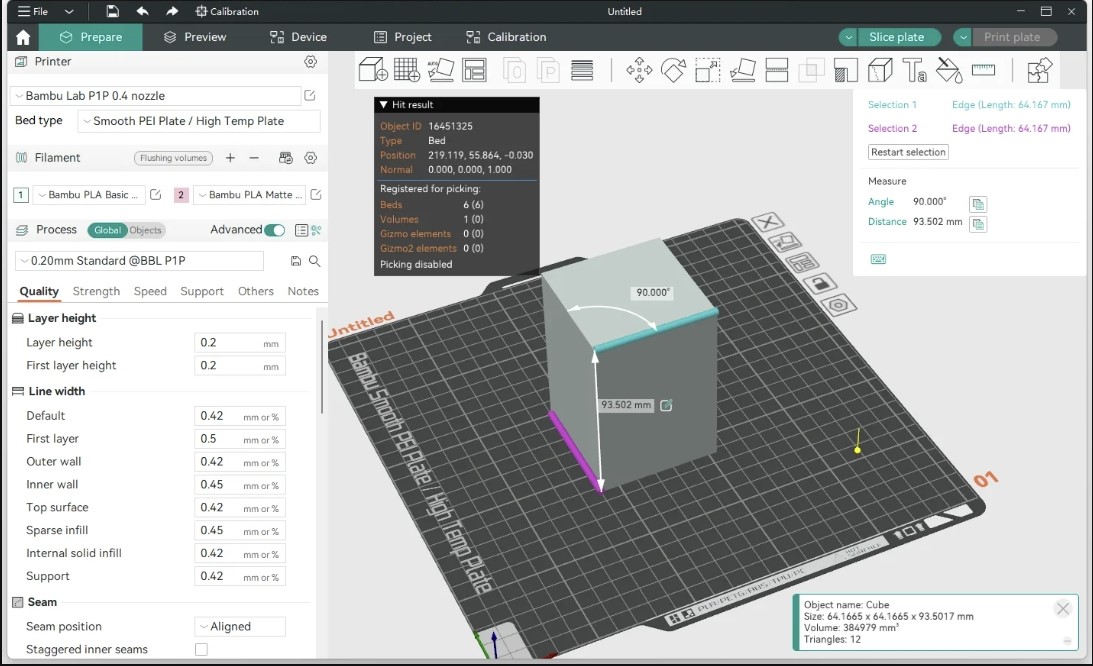
Orca Slicer is a popular, free third-party software developed by SoftFever and the community, similar to PrusaSlicer, and compatible with a wide range of FDM printers.
Orca Slicer's simple user interface makes it easy for beginners to get started, with pre-made 3D printer profiles that cover all Ender 3 models, including the latest Ender-3 V3. Advanced users can take advantage of features such as multiple build plate generation for batch planning and object segmentation for large prints. If the printer is equipped with a camera, G-code can be sent via Wi-Fi or memory card and monitored through Orca Slicer.
Orca Slicer also offers a series of calibration test prints, such as pressure advance adjustment, suitable for users of all skill levels.
Despite these advantages, some aspects of Orca Slicer may be less appealing. Unlike most slicers, which automatically adjust relevant settings when changing print speed, Orca Slicer requires manual adjustment of these values.
Download it at GitHub and Orca supports Mac, Windows, Linux.
5. Simplify3D
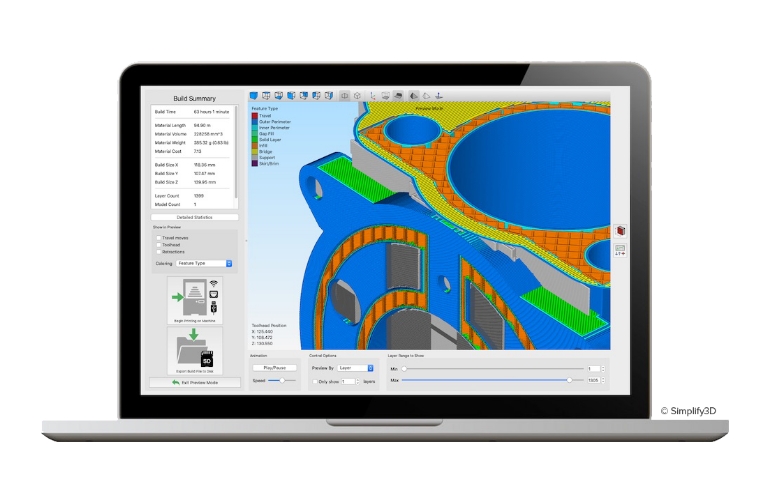
Simplify3D is a paid slicer that offers advanced slicing capabilities and fast processing, including printer control and multi-extruder support, all without a cumbersome user interface. Its higher price caters to professionals, allowing for deep customization of settings and workflows for optimal results. Compatibility with specific Ender 3 models can be checked on their website.
Simplify3D supports various file formats, including STL, OBJ, and 3MF, and runs on Windows and Mac operating systems, though Linux support is limited and usually requires switching to Windows. Some users have reported initial issues like blotchiness.
While Simplify3D has a small but supportive community, finding solutions to specific problems can be more challenging due to its niche user base. Overall, it is favored by professionals, though it may present a learning curve for beginners.
Cura vs Creality Print vs PrusaSlicer vs Orca vs Simplify3D
| Features | Cura | Creality Print | PrusaSlicer | Orca | Simplify3D |
| Price | Free | Free | Free | Free | $199 USD/user |
| Ease of Use | User-friendly, easy to learn | User-friendly, optimized for Creality printers | Versatile, customizable | Simple UI, good for beginners | Advanced, steeper learning curve |
| Pros | Extensive features, frequent updates, great support for various printers | Pre-configured settings for Creality printers, built-in 3D model library | Advanced features, frequent updates, highly customizable | Pre-made profiles for Ender 3 Series, multiple build plate generation | Powerful features, fast slicing, great support |
| Cons | Can be overwhelming for beginners | Limited to Creality ecosystem | Steeper learning curve for beginners | Manual adjustment for some settings | High cost, no free version |
| OS Capabilities |
Windows, Mac, Linux | Windows, Mac | Windows, Mac, Linux | Windows, Mac, Linux | Windows, Mac |
| File Format Support |
STL, OBJ, 3MF, AMF | STL, OBJ | STL, OBJ, 3MF, AMF | STL, OBJ, 3MF | STL, OBJ, 3MF, AMF |
| Community & Support | Large, active community | Growing community | Large, supportive community | Growing community | Smaller, but dedicated community |
Recommended reads:
3D Printer Firmware for Beginner
Top 5 Best Laser Engraving Software Options
Conclusion
Selecting the best slicer for your Ender 3 V3 KE depends on your individual needs, expertise, and the specific features each slicer offers. Whether you're a beginner needing simplicity or a professional seeking detailed control, there's a slicer that fits your requirements perfectly.
Utilize the user community, keep up with software updates, and learn through trial and error to optimize your use of these tools. The goal is not only to achieve successful prints but also to enjoy the process of turning your digital designs into reality.
Read more:
Recent News

8 Halloween 3D Print Ideas to Make Before October 31

Ender Series 3D Printers Parameter Comparison

Creality Back-to-School Sale 2026: Save Up to 50% on 3D Printers and More
