


Best 3D Scanner Apps for Android and iPhone in 2025
Are you aware of the complexities involved in transforming real-world objects into 3D models? It can be quite a task to find the best 3D scanner app, given the multitude of options available, yet only a few truly deliver satisfactory results.
But is there a more efficient way to do this? In order to help, we have painstakingly examined numerous options and finally selected the best 3D scanner apps for 2025. These apps come with user-friendly interfaces and are perfect for both professional design and personal projects, providing accurate 3D scanning through smartphones.
Say farewell to uncertainty and embrace effortless 3D scanning with our comprehensive list of the top 10 3D scanner apps. Continue reading for more details.
We've covered everything from cost-effective options to advanced technology in our review of 3D scanner apps. The perfect 3D scanner app to realize your 3D vision could be just a scroll away. Let's delve in.
| Creality CR-Scan Ferret Pro | 0.1mm accuracy, Wireless scanning via WiFi 6 | $339 | Buy |
| Creality CR-Scan Raptor | 7 Blue Parallel Laser Lines, up to 0.02mm | $1,199.00 | Buy |
| Creality CR-Scan RaptorX | Hybrid Blue Laser & NIR Scanner, 34+7 Blue Laser Lines | $3,299.00 | Buy |
| Creality CR-Scan Otter | Up to 0.02mm Accuracy | $899 | Buy |
| Creality Raptor Pro | Objects between 0.2-157" / 5-4000mm | $1699.00 | Buy |
10 Best 3D Scanner Apps of 2025
Here, we unveil the top ten apps of 2025 that stand out for their ease of use, accuracy, and innovative features.
1. KIRI Engine(App Rating 4.8 stars)

KIRI Engine is revolutionizing the way we approach 3D scanning. It's not just an app; it's a gateway to transforming your creative ideas into tangible 3D models. Whether you're a professional designer or a curious hobbyist, KIRI Engine harnesses the power of cloud-based photogrammetry, making 3D scanning seamless and accessible.
- Price: Free (Premium options available)
- Ideal For: Professionals in interior design, 3D printing, and gaming enthusiasts
- Platform: iOS and Android
- Standout Feature: Offers high-resolution models with 4K textures and cloud processing
- Best Use: Perfect for creating detailed models for interior design projects, 3D printing, or digital asset creation in gaming
KIRI Engine is not just another 3D scanner app. It’s a tool that opens up new possibilities. Whether you're scanning for professional use or just for fun, the app’s user-friendly interface and high-quality outputs make it a top choice. The freedom of cloud processing means you’re not limited by your device's capabilities – a game changer in the world of 3D scanning.
2. RealityScan (App Rating 4.3 stars)

RealityScan is for creators who want powerful results straight from their pocket. This intuitive app brings high-fidelity 3D scanning to anyone with a smartphone, no extra gear needed. Whether you're capturing assets for game design or preserving real-world memories in digital form, RealityScan makes professional-quality 3D scanning fast, accessible, and fun.
- Price: Free Dowmload(In-app purchases for advanced features)
- Ideal For: Designers, game developers, digital artists, and everyday creators
- Platform: iOS and Android
- Standout Feature: Real-time mesh preview and direct upload to Sketchfab
- Best Use: Great for creating realistic 3D models of objects and environments—ideal for AR/VR, VFX, 3D printing, and digital archiving
RealityScan empowers users to scan anywhere, anytime—turning physical items into detailed 3D models with ease. Its built-in tools like photo coverage preview, crop box selection, and project library management streamline the workflow from scan to export. Share your creations on Sketchfab or use them in your next creative project. With RealityScan, 3D scanning goes from complex to effortless.
3. Scandy(App Rating 4.3 stars)

Scandy is redefining the boundaries of 3D scanning with its advanced technology. Tailored for those who demand precision and efficiency, Scandy is more than just an app; it's a professional tool in your pocket. With its robust features and lidar technology, Scandy is ideal for professionals and tech enthusiasts who want to capture the world in three dimensions.
- Price: Free (In-app purchases for advanced features)
- Ideal For: Tech enthusiasts, professionals in 3D modeling, and AR/VR developers
- Platform: iOS
- Standout Feature: Real-time lidar scanning for accurate and detailed results
- Best Use: Perfect for creating high-resolution 3D models for AR/VR development, professional 3D modeling, and digital content creation
Scandy's lidar technology sets it apart, allowing users to scan their surroundings with unparalleled detail and accuracy. Whether you're a game developer looking to create immersive AR experiences or an architect needing precise models, Scandy delivers. It's not just a 3D scanner app; it's a tool that empowers you to capture the world around you in stunning detail.
4. Magiscan(App Rating 3.8 stars)
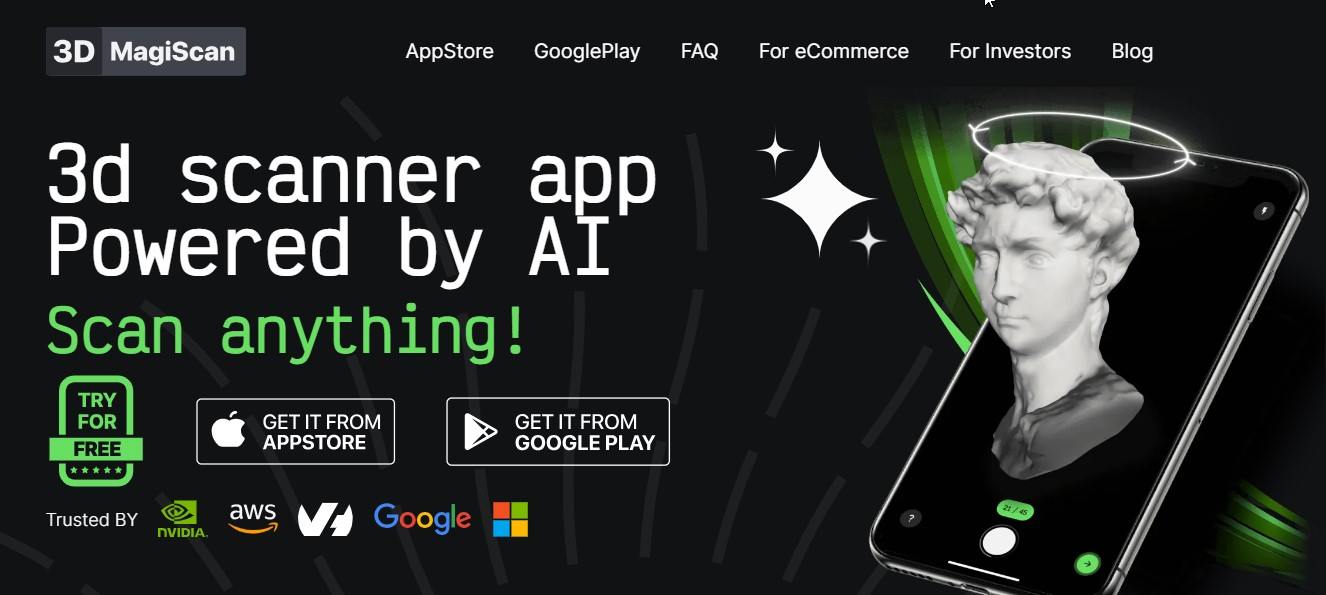
Magiscan enters the 3D scanning arena as a versatile powerhouse. It's designed for those who value speed without compromising on quality. Whether you're an artist capturing sculptures or an engineer modeling complex machinery, Magiscan is the app that adapts to your diverse scanning needs.
- Price: Free for trial scans; subscription options available
- Ideal For: Artists, 3D designers, engineers, and creative professionals
- Platform: Android and iOS
- Standout Feature: Fast, accurate scanning of objects of any shape and size
- Best Use: Ideal for scanning large objects like furniture, sculptures, and engineering prototypes
Magiscan’s strength lies in its adaptability. It caters to a wide range of 3D scanning applications, from artistic endeavors to technical projects. With its ability to handle objects of various sizes and shapes, Magiscan is not just a tool; it's a companion for creative minds and technical wizards alike. The app ensures that whether you’re in a studio or out in the field, high-quality 3D scanning is always at your fingertips.
5. Polycam(App Rating 4.0 stars)

Polycam is a beacon in the 3D scanning space, offering an unparalleled blend of speed and precision. Designed for those seeking the cutting edge in 3D technology, Polycam stands out as a versatile tool for professional architectural modeling or personal home design projects.
- Price: Free (Pro version available)
- Ideal For: Professional designers, architects, hobbyists
- Platform: iOS and Android
- Standout Feature: High-quality photogrammetry and real-time lidar scanning
- Best Use: Creating detailed 3D models of large spaces like homes or buildings and for architectural and interior design
Polycam’s strength lies in its dual approach: photogrammetry for detailed models and lidar for quick, real-time scans. This makes it incredibly versatile, catering to a wide range of needs, from professional architectural renderings to personal home renovation projects. With Polycam, users get an app that's not just about scanning. It's about capturing spaces with precision and transforming them into actionable 3D models.
6. Widar(App Rating 4.1 stars)
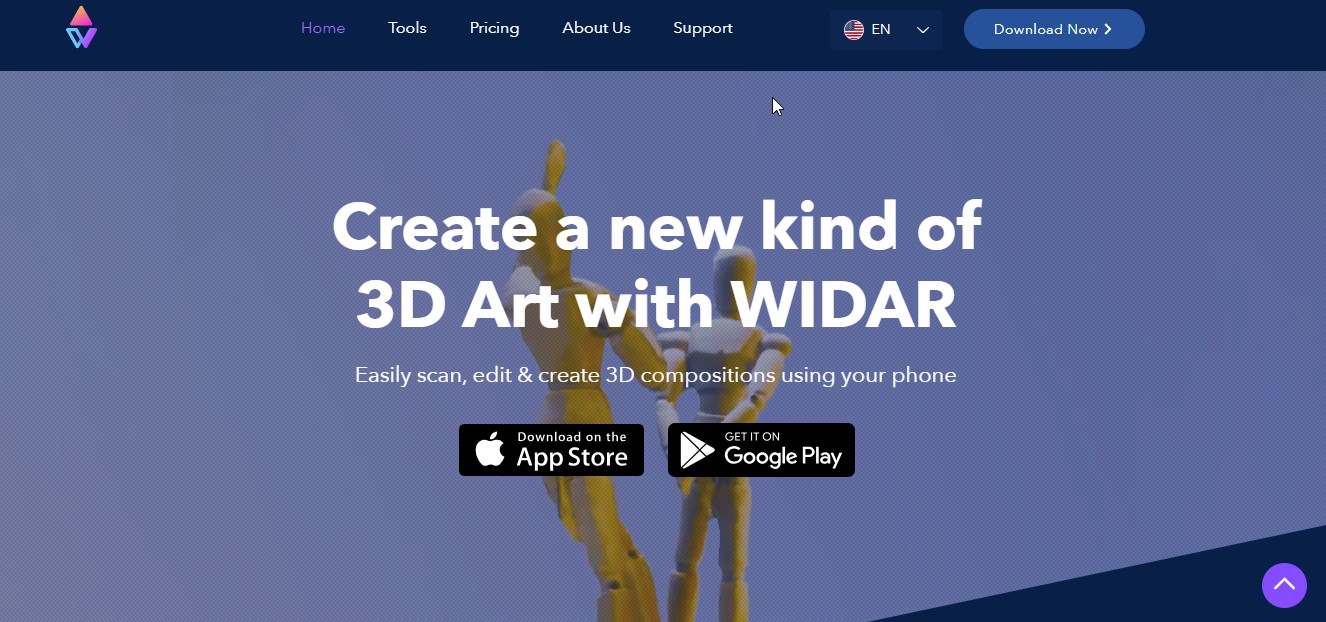
Widar offers a fresh perspective on 3D scanning, blending simplicity with powerful features. It's not just an app. It's a creative tool, perfect for those who dabble in AR and VR or professionals in the architectural and design industries.
- Price: Free (Premium version available)
- Ideal For: 3D and CAD designers, architects, AR/VR enthusiasts
- Platform: Android and iOS
- Standout Feature: Comprehensive editing tools and lidar scanning capabilities
- Best Use: Enhancing and customizing 3D models for architectural designs, AR/VR content creation
Widar goes beyond traditional 3D scanning, offering editing tools that let users tweak and perfect their scans. This makes it an ideal companion for architecture and design professionals and AR/VR enthusiasts who crave detail and precision. With its blend of photo and lidar scanning, Widar is a portal to a world of creative possibilities in 3D modeling.
7. Cappasity Easy 3D Scan(App Rating 4.0 stars)
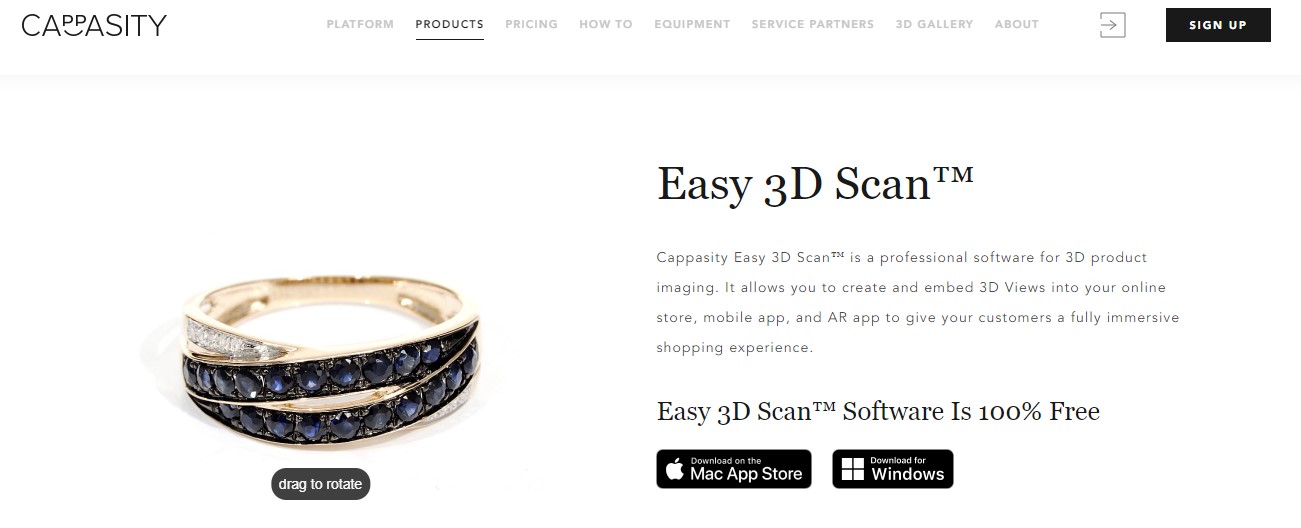
Cappasity Easy 3D Scan transforms how we perceive 3D scanning, making it accessible, fast, and incredibly efficient. The app combines high-quality 3D content creation with user-friendly interfaces for retailers, e-commerce platforms, and digital marketers.
- Price: Free (Subscription options available)
- Ideal For: E-commerce retailers, digital marketers, product photographers
- Platform: Windows, macOS
- Standout Feature: High-resolution 3D scanning with immersive AR/VR capabilities
- Best Use: Creating interactive 3D product visuals for e-commerce and digital marketing campaigns
Cappasity Easy 3D Scan is not just an app; it's a revolution in product presentation. It empowers retailers and marketers to showcase their products in 3D, enhancing customer engagement and driving sales. The high-resolution scans and AR/VR integration offer an immersive experience, making it a go-to solution for e-commerce platforms looking to stand out in a crowded digital landscape.
8. Occipital Structure Sensor Pro(App Rating 3.5 stars)
Occipital Structure Sensor Pro takes 3D scanning to a professional level. It's more than an app. It's a comprehensive solution for those in architecture, engineering, and medical fields who demand precision and versatility.
- Price: Hardware purchase required; app is free
- Ideal For: Professionals in architecture, engineering, healthcare
- Platform: iOS
- Standout Feature: Advanced depth sensing and high-precision scanning
- Best Use: Creating detailed 3D models for architectural plans, engineering projects, and medical imaging
Occipital Structure Sensor Pro is a game changer for professionals who need detailed and accurate 3D models. Its depth sensing and precision scanning capabilities are unmatched, making it a crucial tool for architects, engineers, and healthcare professionals. Whether for creating intricate architectural models or advanced medical imaging, the Structure Sensor Pro offers reliability and accuracy that professionals can trust.
9. Scaniverse(App Rating 4.8 stars)
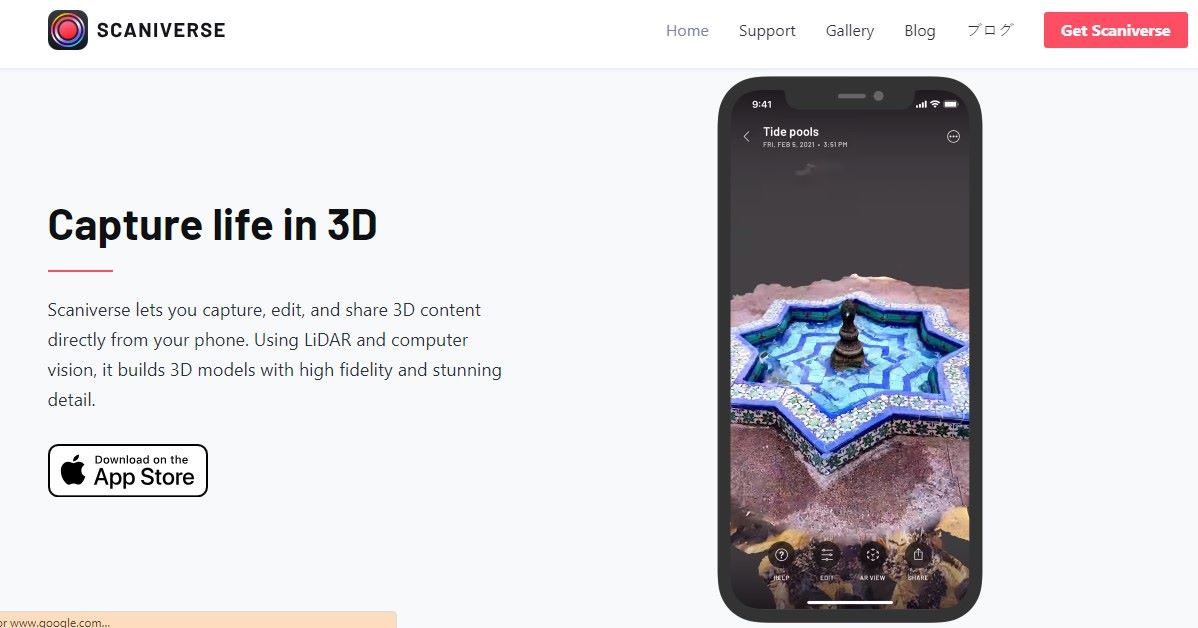
Scaniverse is cutting a distinct path in the 3D scanning landscape, offering a seamless blend of simplicity and high-end technology. It's a perfect match for hobbyists, AR enthusiasts, and professionals in the 3D design space looking for an easy-to-use yet powerful scanning tool.
- Price: Free
- Ideal For: Hobbyists, AR/VR enthusiasts, 3D design professionals
- Platform: iOS
- Standout Feature: Advanced lidar and photogrammetry technology
- Best Use: Scanning environments and objects for AR experiences, virtual tours, and 3D design projects
Scaniverse leverages the latest lidar and photogrammetry to bring high-quality 3D scanning to your fingertips. It's all about capturing the world around you with precision and ease. Whether creating an immersive AR experience, designing a virtual tour, or working on a 3D design project, Scaniverse makes it easy to transform your surroundings into detailed 3D models.
10. 3D Scanner App(App Rating 4.7 stars)

3D Scanner App is built for those who want high-quality 3D scans with speed and ease—right from their Apple device. Designed to leverage the power of LiDAR, it turns your iPhone or iPad into a pro-level 3D capture tool for scanning, editing, and sharing models in just minutes.
- Price: Free for personal use (commercial pricing available via Laan Labs)
- Ideal For: 3D and CAD designers, architects, AR/VR creators, and tech-savvy hobbyists
- Platform: iOS (LiDAR-equipped devices like iPhone 12 Pro, iPad Pro, etc.)
- Standout Feature: On-device editing and direct sharing in USDZ format via iMessage
- Best Use: Perfect for capturing spaces and objects in high resolution—great for prototyping, visualisation, or digital twins
With 3D Scanner App, you can scan in real-time using your device’s camera, then clean up models using its powerful built-in editor. Export in popular formats like OBJ, STL, or USDZ, and easily share with teammates or clients through iOS Quick Look. Whether you’re working on architecture projects or creating AR assets, this app makes 3D scanning efficient and accessible for everyday creators and professionals alike.
Hot FAQs about 3D Scanning Apps
1. Which is the Best 3D Scanner for iPhone?
The CR-Scan Otter 3D Scanner stands out for its exceptional accuracy (up to 0.02mm precision), versatility in scanning various sizes, and its ability to capture intricate details. It offers features like wireless iOS/Android compatibility, ease of use, and operates well in diverse environments. Its safety measures and support for multiple formats make it ideal for a wide range of professional applications.
2. Can I find a 3D scanner app that works on both iOS and Android platforms?
Yes, several apps listed such as Polycam, ARPLAN 3D, Widar, and Qlone work on both iOS and Android platforms. Each offers a range of features for creating realistic 3D models with different pricing options, including free versions and advanced paid plans.
3. What are the best 3D scanner apps in 2025?
Top-rated apps in 2025 include KIRI Engine, RealityScan, Polycam, and 3D Scanner App. They stand out for their accuracy, real-time processing, and compatibility with both iOS and Android platforms.
4. Can I use 3D scanning apps for professional projects?
Absolutely. Apps like Scandy and 3D Scanner App offer high-resolution scanning and export formats suitable for architectural design, engineering, AR/VR development, and 3D printing—making them fit for professional use.
People Also Read:
PLA Smoothing Techniques for 3D Prints >>
Creality K1 Series Printing Parameter Settings >>
Conclusion
As we've explored the remarkable world of 3D scanning apps, remember that your journey doesn't end here. For those diving deeper into the realms of engineering, design, medicine, or art, Creality's range of 3D scanners offers additional precision and flexibility.
These scanners aren't just tools. They're your partners in transforming objects into detailed digital models. Embrace the power of Creality's technology to unlock new dimensions in your projects, ensuring every scan is a step towards innovation and excellence in your field.
Recent News

8 Halloween 3D Print Ideas to Make Before October 31

Ender Series 3D Printers Parameter Comparison

Creality Back-to-School Sale 2026: Save Up to 50% on 3D Printers and More
