


How to Change Filament on a Creality K1: Step-by-Step Guide
all
2024-12-23 04:54:10
The Creality K1 is Creality's flagship 3D printer,boasting cutting-edge capabilities and a track record of dependable operation.
If you own a Creality K1 3D printer and need to change filament, follow these steps for manual and semi-automatic feeding, as well as automatic filament retraction.
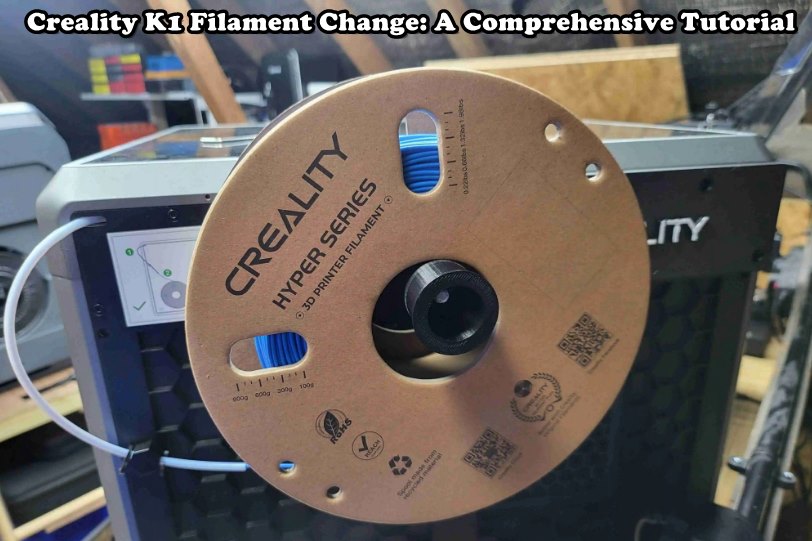
How to Change Filament on a Creality K1 with Easy Ways
1. Manual Feeding
- Unlock the extruder kit and pull out the PTFE tube.

- Insert the new filament into the PTFE tube from the back, ensuring it passes through filament detection.
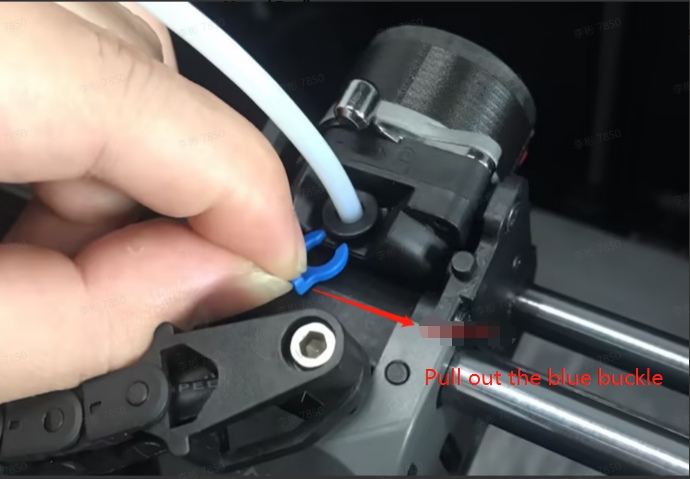

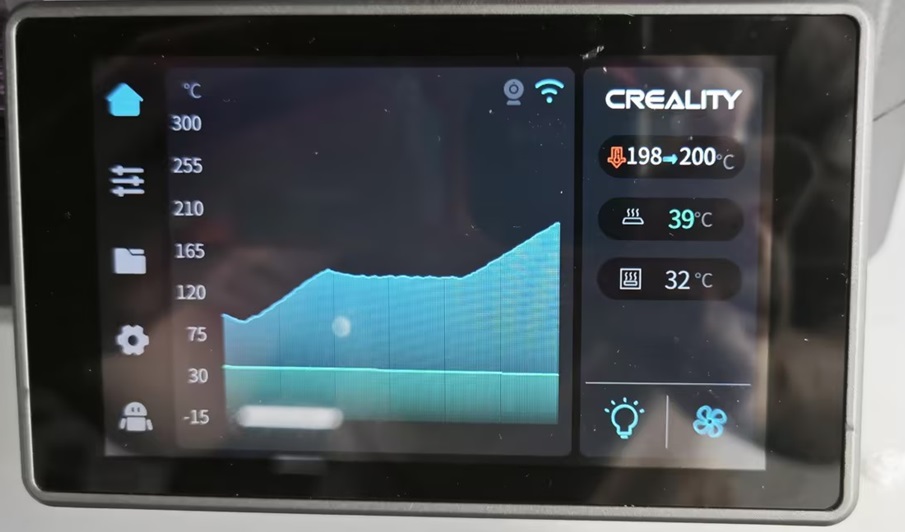
- On the machine screen, heat the nozzle to the filament's extrusion temperature.
- Feed the filament from top to bottom until it flows out of the nozzle.
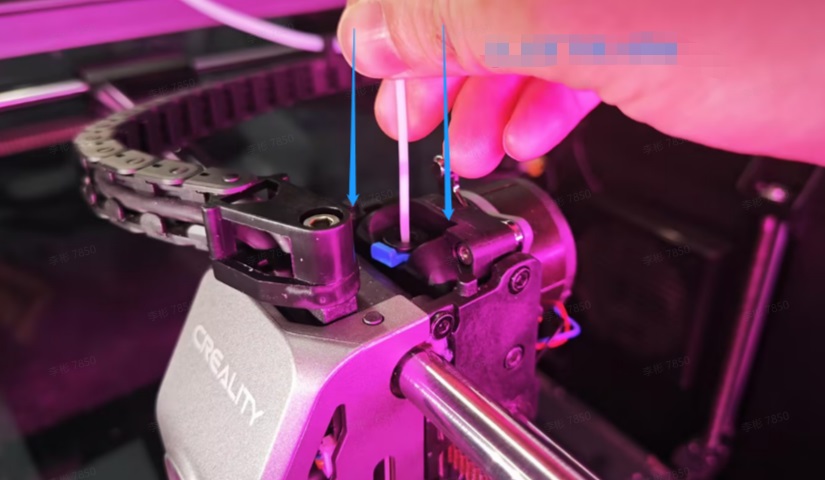
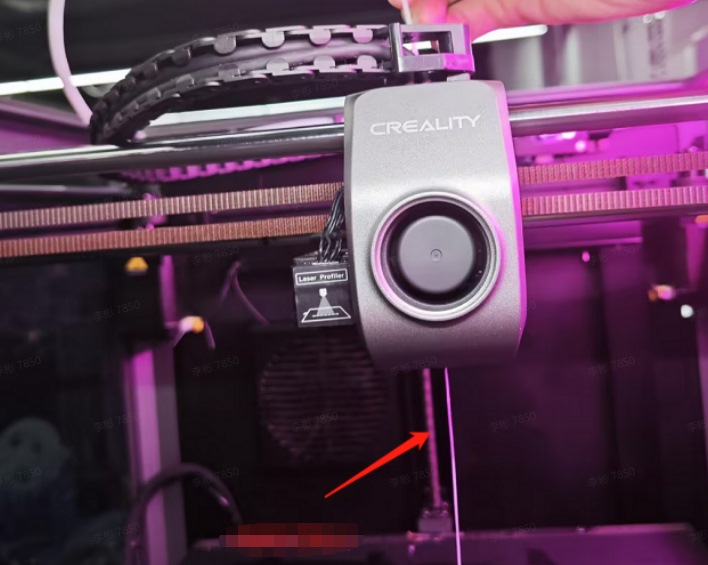
- Lock the extruder switch and restore the PTFE tube.
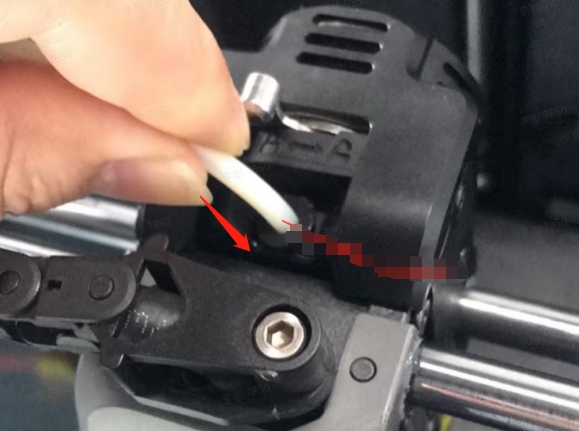
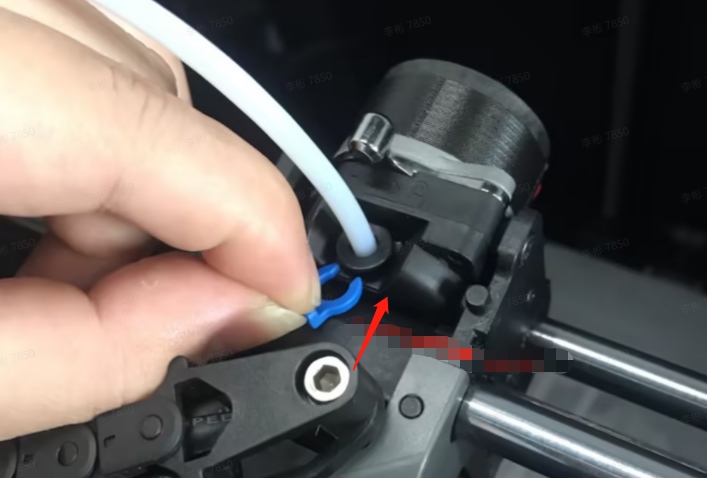
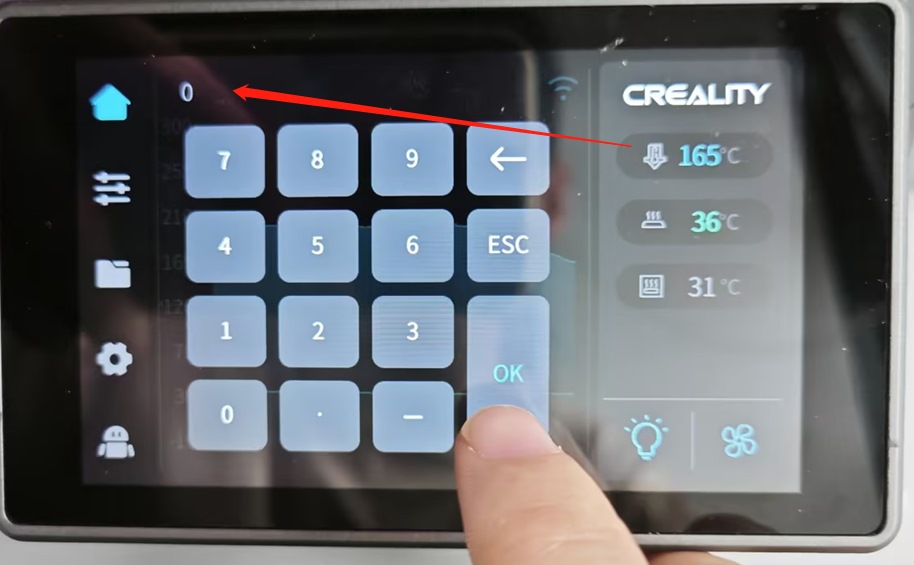
2. Semi-Automatic Feeding (Recommended)
- Open the motor cover and unlock the extruder.
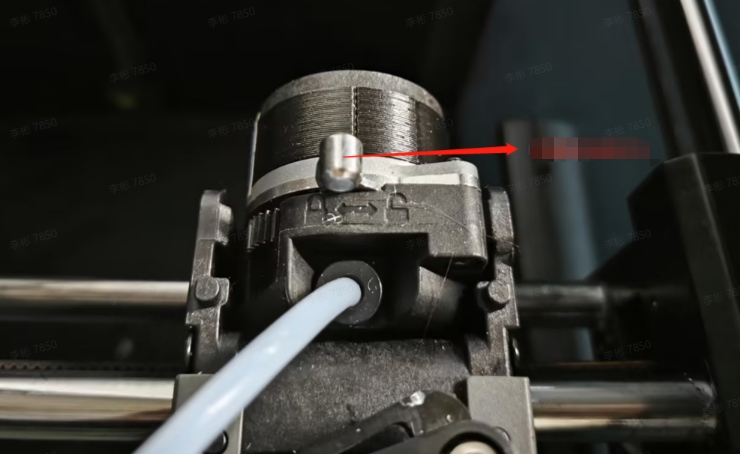
- Feed the filament from the outside until it can't be pushed further, then lock the extruder.
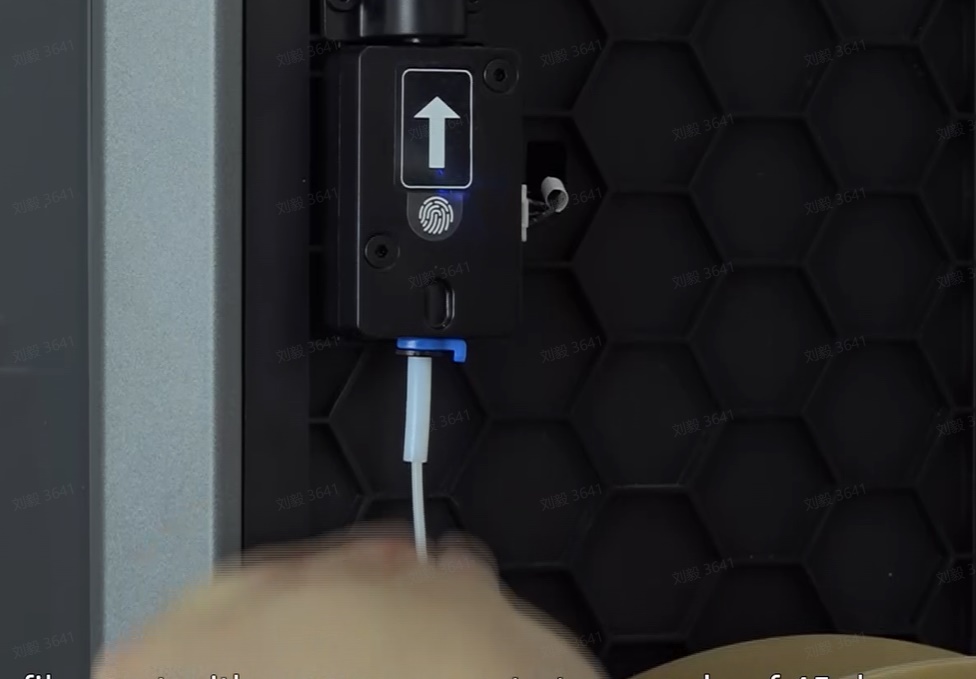

- In the filament Loading/Unloading function interface, click on "Extrude." Observe the nozzle; if filament is extruded, wait for "Finish." If not, gently push the filament forward and then click "Extrude."

3. Automatic Filament Retraction
- In the filament Loading/Unloading function interface, click on "Retract."
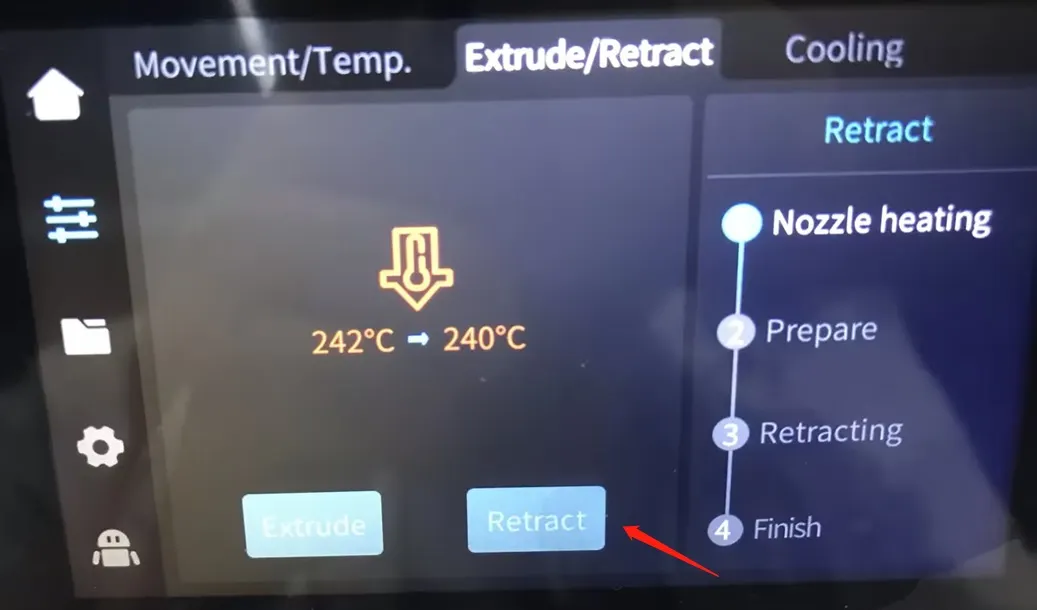
- Wait for the screen to display that the material retraction is complete.
- Extract the filament from the external PTFE tube of the machine.
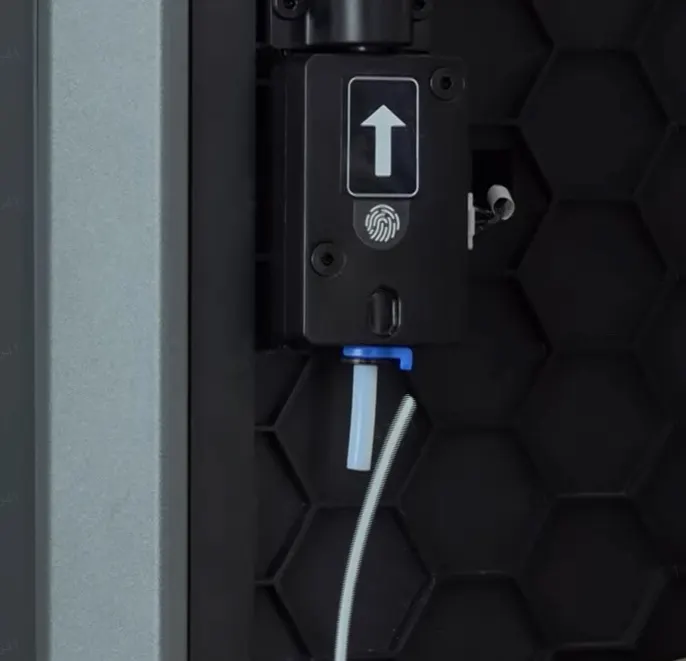
Filament Replacement
Refer to the "Replacing during Printing" after-sales video for a visual guide. Follow the methods demonstrated in the video when your filament is used up and needs replacement.
People Also Read:
Creality K1 Series Printing Parameter Settings>>
How to Change Filament on Ender 3: A Step-by-Step Guide >>
Conclusion
By following these steps, you can efficiently handle filament replacement and loading/unloading procedures on your Creality K1 3D printer.
Recent News

all
2026-10-13
8 Halloween 3D Print Ideas to Make Before October 31
Halloween is coming, and the candy stash has already suffered a few unexplained disappearances. W...

all
2026-09-18
Ender Series 3D Printers Parameter Comparison
The Creality Ender Series has evolved significantly since the original Ender-3. What began as an ...

all
2026-08-02
Creality Back-to-School Sale 2026: Save Up to 50% on 3D Printers and More
A new school year is a chance to start fresh projects, develop practical skills and turn digital ...

all
2026-05-26
Is PLA Recyclable?
PLA is a biodegradable plastic derived from renewable resources such as corn starch or sugarcane....