

K1 Max Unable to Connect to Creality Cloud
This article provides a comprehensive guide to troubleshooting common connectivity issues between the K1 Max and Creality Cloud, ensuring smooth operation and optimal performance.
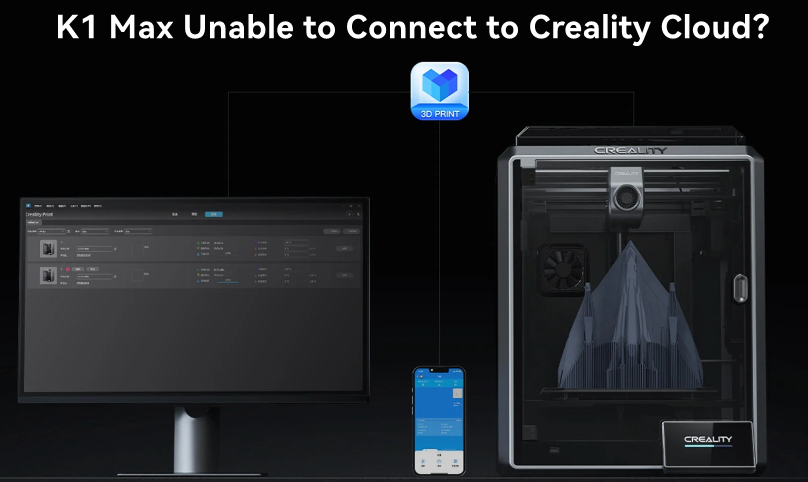
K1 Max Unable to Connect to Creality Cloud
1. Phenomenon Description
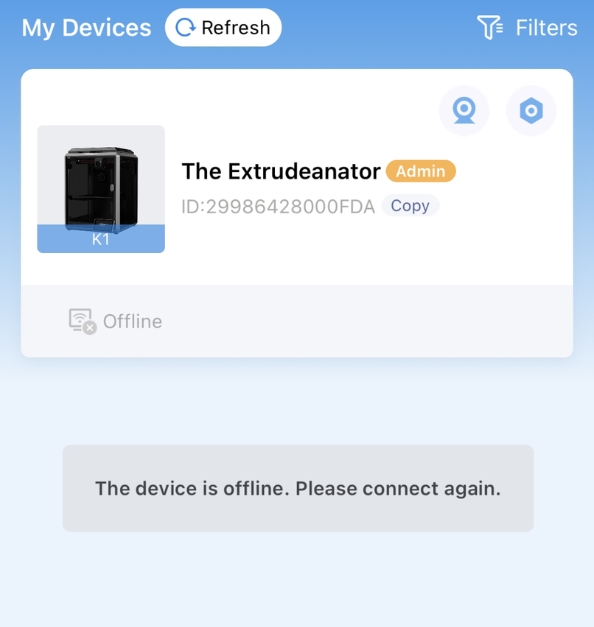
The printer cannot connect to Creality Cloud, and after scanning the QR code, Creality Cloud shows the printer as offline.
2. Cause Analysis
- The server location and the machine's physical location are mismatched.
- The server has not been switched to the current display server.
- The Creality Cloud App version is outdated.
- Network issues.
- Router settings might be causing connectivity problems.
3. Troubleshooting and Solution
- Firmware Below Version 1.3.1.x: For users outside Mainland China, if the language is set to something other than Chinese, try reselecting the language. This often resolves the issue.
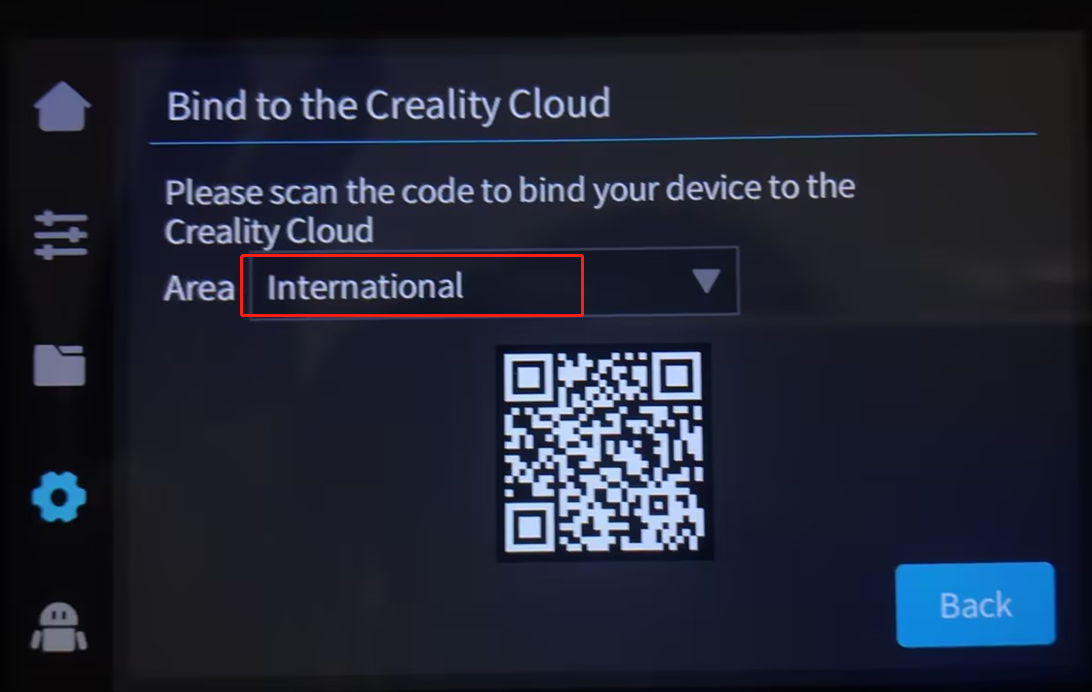
- Firmware Version 1.3.1.x and Above: Choose the international server for users outside Mainland China.
- App Version: Ensure the Creality Cloud App is updated to version 5.3.3 or above.
- Network Connection: Confirm that the printer is connected to the internet with a stable connection.
K1 Max Creality Cloud Shows Offline After Upgrade
1. Phenomenon Description
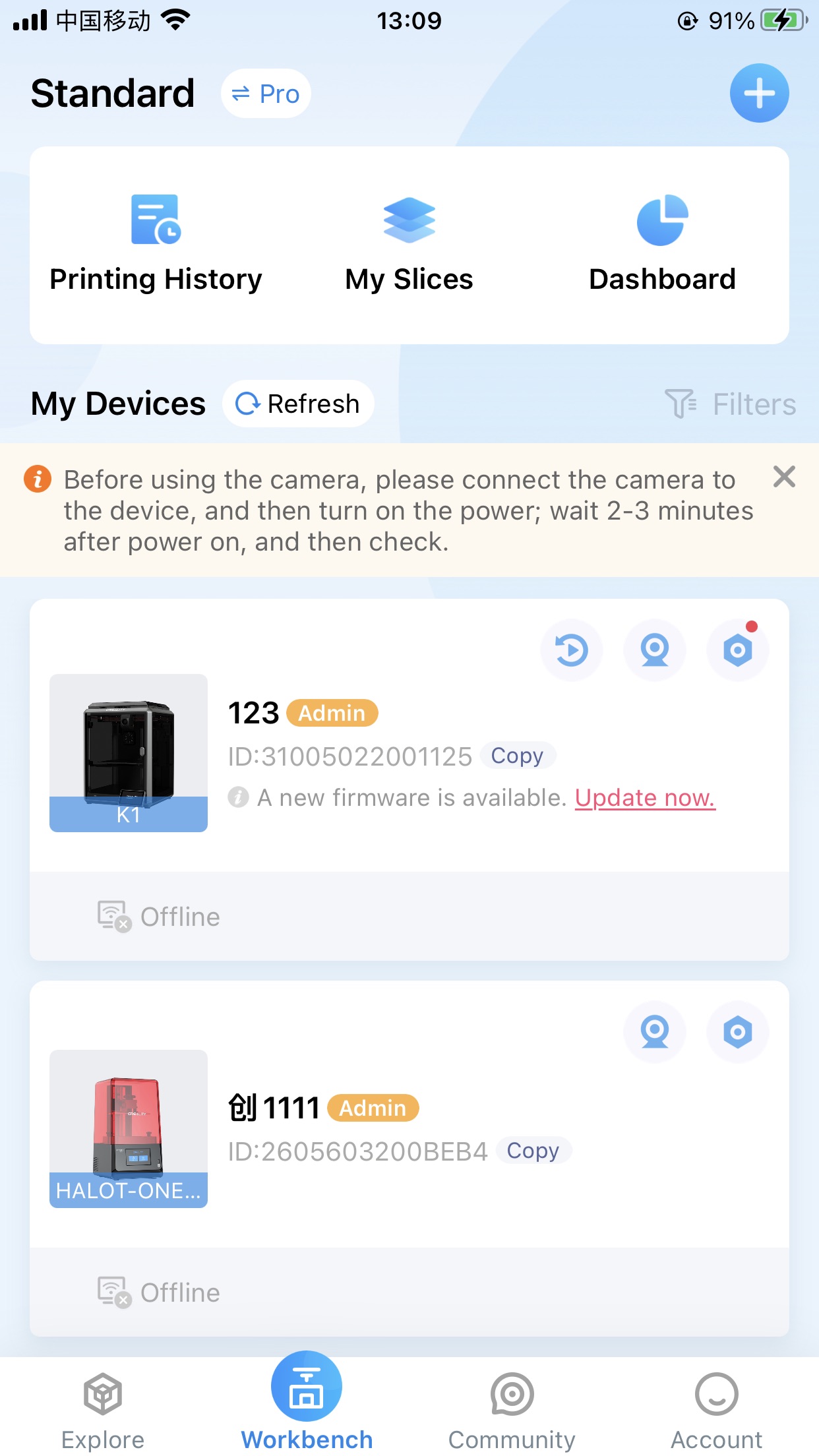
After upgrading the firmware, the K1 Max is unable to connect to Creality Cloud. The cloud shows the printer as offline after scanning the QR code.
2. Cause Analysis
Firmware versions 1.3.1.0 and above include a privacy agreement that must be accepted to access the network.
3. Troubleshooting and Solution
-
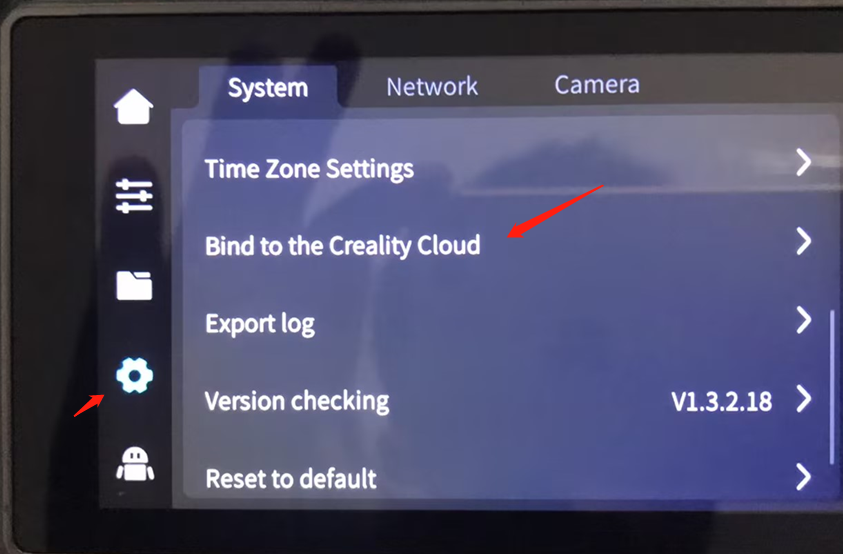
Network Connection: Ensure the printer is connected to the internet. Go to "Settings" and select "Bind to Creality Cloud."
-
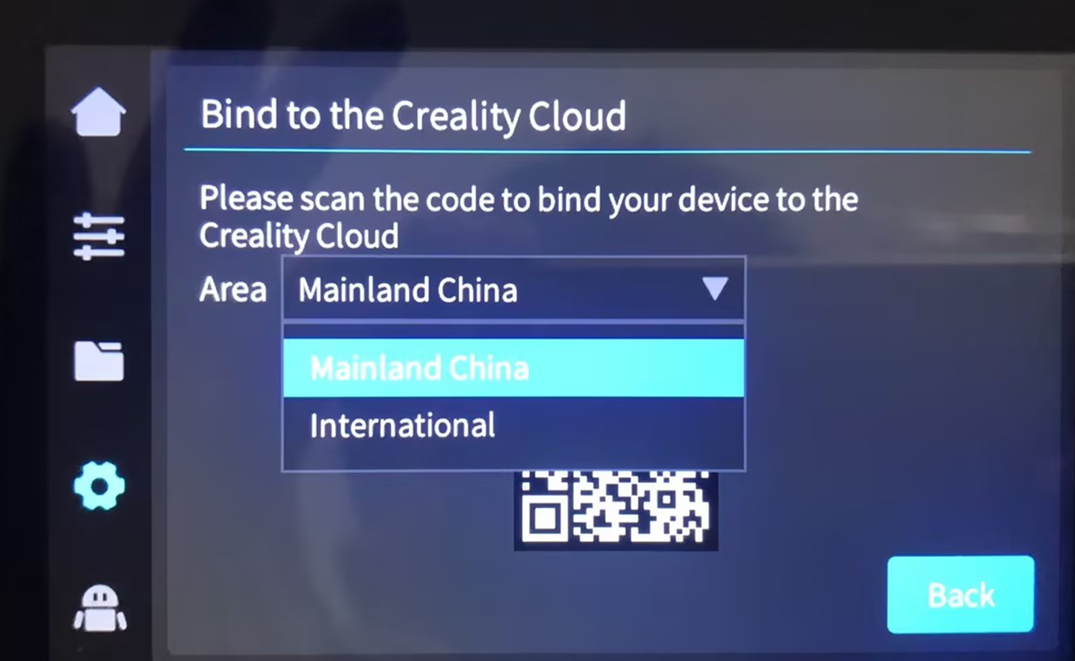
Privacy Agreement: A privacy agreement will appear. Agree to it. If you encounter an "IOT initialization failure," wait a few seconds or navigate to another page and then return.
-
App Version: Choose the appropriate server based on your location. Domestic users should select the domestic server, while international users should choose the overseas server. Open Creality Cloud and rescan the QR code to bind the printer.
Unable to Initiate Printing via App
1. Phenomenon Description
After slicing a model on a PC and uploading it to Creality Cloud, the printing process cannot be initiated from the app.
2. Cause Analysis
This issue is often due to an outdated version of CrealityPrint.
3. Troubleshooting and Solution
3.1 Software Version:
- Use CrealityPrint version 4.3.6 or above.
- Ensure the Creality Cloud App is updated to version 5.3.3 or above.
3.2 Download Link:
Download the latest version of CrealityPrint here: CrealityPrint Download.
Creality Cloud App Camera Disconnects
1. Phenomenon Description
The camera in the Creality Cloud app fails to open or only opens occasionally.
2. Cause Analysis
- Network issues.
- Firmware-related problems.
- Camera hardware issues.
- Issues with the motherboard or USB adapter.
3. Troubleshooting and Solution
3.1 Check Camera Feed in Slicing Software:
If there’s no camera feed, check if the K1 Max detects the camera. If the camera works on the local network but not via the app, there could be an issue with the camera’s connection or it might be damaged.
3.2 Firmware Upgrade:
Ensure the machine's firmware is updated to version 1.3.2.20 or later. Refer to the K1 Max firmware upgrade guide for details.
3.2 Network Speed:
If the firmware is up to date, the issue might be due to slow internet speeds. Consider connecting the printer to the router via an Ethernet cable for a more stable connection.
Conclusion
By following these troubleshooting steps, K1 Max users can resolve most issues related to connecting the printer to Creality Cloud. Keeping firmware and software updated is crucial for optimal performance. If you encounter persistent issues, consider reaching out to Creality’s customer support for further assistance.
For more Creality 3D Printer, you can click the related articles as follows:
Recent News

8 Halloween 3D Print Ideas to Make Before October 31

Ender Series 3D Printers Parameter Comparison

Creality Back-to-School Sale 2026: Save Up to 50% on 3D Printers and More
