


Creality Software Free Download: Your First Step to Quality 3D Printing
In the expansive realm of 3D printing, slicer software stands out as the critical bridge between your digital 3D model and the final printed product.
Understanding the role of a slicer is essential—it interprets 3D models into a language your 3D printer can comprehend, converting designs into a sequence of 2D layers accompanied by G-code, the printer's command language. This process underscores the slicer's importance, making the choice of which slicer to use—especially for specific printers like those from Creality—a decision that can significantly impact your printing outcomes.
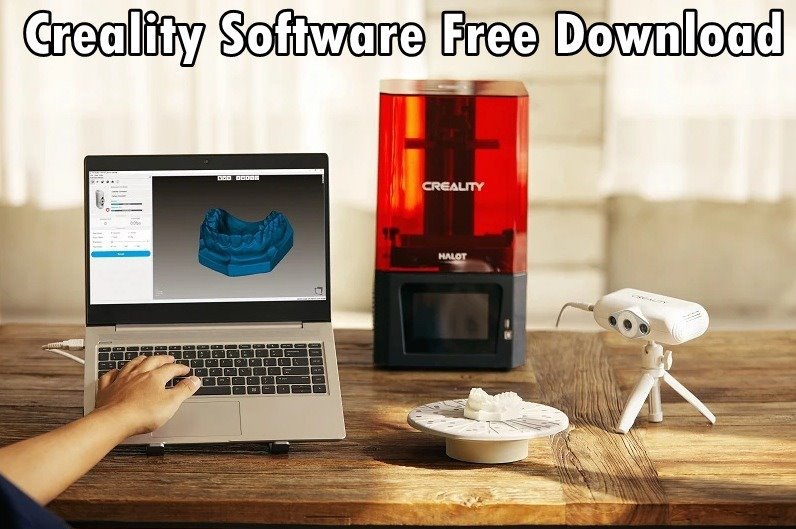
Creality Slicer
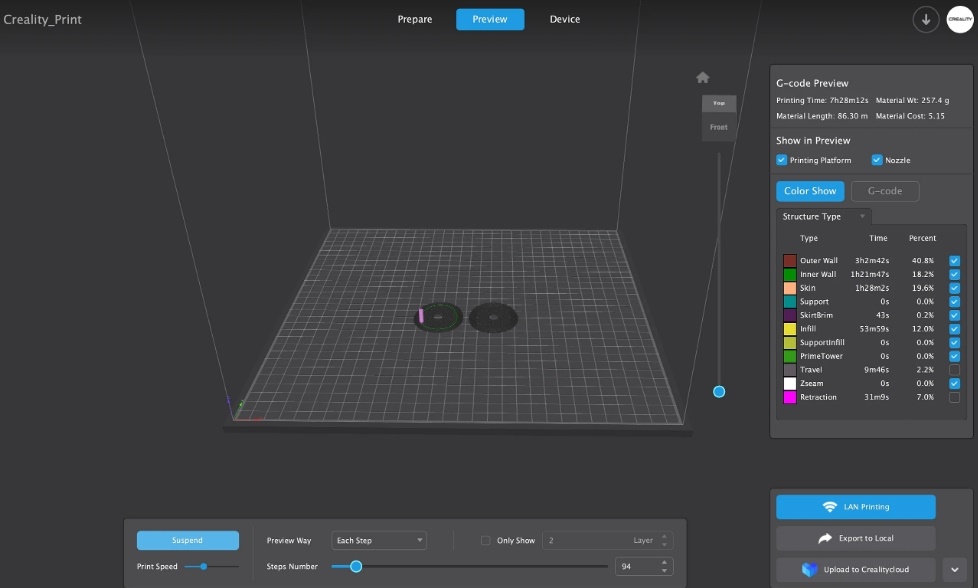
To initiate your 3D printing journey, the Creality Slicer download is your primary step.Creality Slicer has evolved to cater specifically to Creality's 3D printers, providing an optimized slicing experience. Post-shipment, many recent Creality printers come equipped with this slicer, reflecting updates in functionalities through its latest renditions. The slicer, currently mirroring advancements found in Cura 4.8.2, promises improved compatibility with Creality's hardware while encouraging users to leverage updates for a seamless printing journey.
- Creality Slicer Software: Creality's official website.
- Cost: Free.
- Pros: Refined from the Cura platform, ensuring familiarity for previous Cura users; ships with Creality printers, reducing initial setup hassles.
- Cons: Limited default printer profiles, challenging setup for non-Creality or UltiMaker printers.
- OS Compatibility: Windows, MacOS.
Creality Print
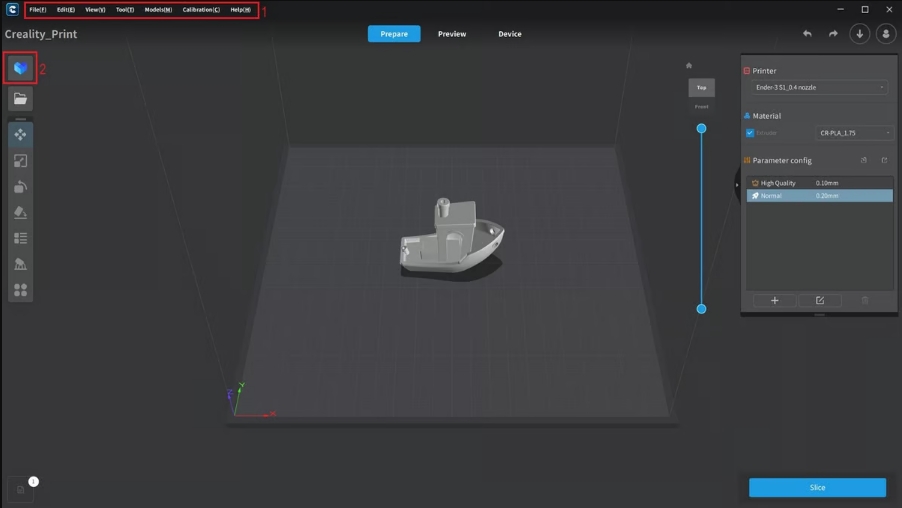
The dawn of 2022 saw the release of Creality Print, a slicer nurturing a bond between FDM printers and users through its addition of varying printer models over time.
Its ecosystem, rich with a 3D model library and functionalities for remote print management, also presents versatile G-code transmission methods, including USB, Wi-Fi, and Creality Box options, enhancing operational flexibility.
- Creality Print Software: Creality's official website.
- Cost: Free.
- Pros: Integrated with Creality Cloud for an extensive model library and cloud-based operations.
- Cons: Limited availability for 32-bit systems due to its 64-bit architecture.
- OS Compatibility: Windows, MacOS, Linux
Creality Halot Box
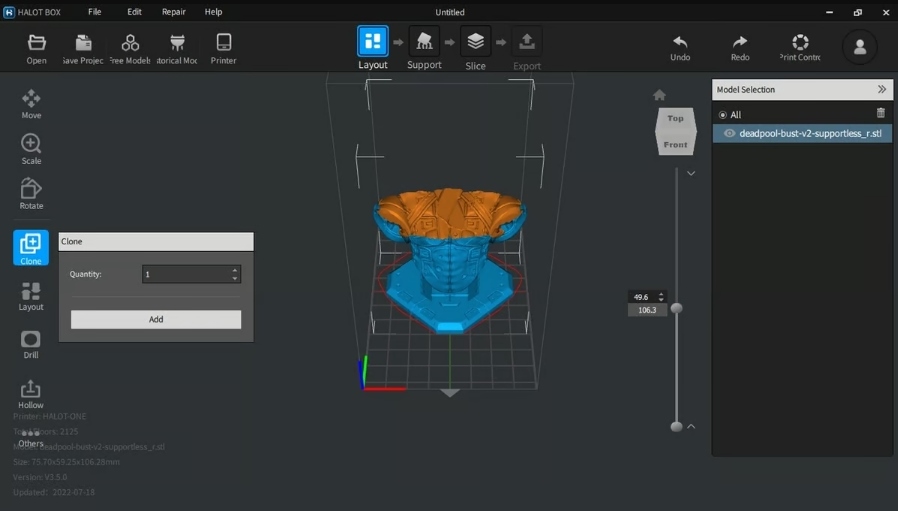
Tailored for resin printing aficionados, Creality Halot Box merges simplicity with functionality. Its compatibility with Creality's resin printers, alongside its user-friendly GUI, positions it as a go-to for newcomers and veterans alike.
With features ranging from direct model importing via Creality Cloud to customizable support structures, it caters extensively to the nuances of resin printing.
Especially engineered for the Creality Halot One and its series, this innovative software takes resin printing to new heights, offering features that ensure detailed and flawless prints.
- Creality Halot Box Software: Creality's official website.
- Cost: Free.
- Pros: User-friendly interface with comprehensive settings for resin printing; direct model importing via Creality Cloud.
- Cons: Exclusive to Windows and MacOS, with restricted printer support beyond Creality's ecosystem.
- OS Compatibility: Windows, MacOS
Choosing the Right Slicer: Creality and Beyond
Selecting the appropriate slicer—whether a Creality original or a compatible third-party option—plays a crucial role in the 3D printing process. Although Creality provides tailored solutions for its printers, exploring third-party slicers can sometimes yield enhanced functionality or better suit specific project needs.
When navigating these choices, consider both standard slicers, focused primarily on slicing tasks, and those offering additional functionalities, to find the tool that best aligns with your printing objectives and preferences.
Conclusion
In this constantly evolving domain, staying informed about the latest software developments and updates is key. Whether you're invested in FDM or resin printing, the quest for the perfect slicer involves experimenting with both proprietary and third-party options to unlock the full potential of your 3D printing journey.
Read more if you are interested in:
Recent News

8 Halloween 3D Print Ideas to Make Before October 31

Ender Series 3D Printers Parameter Comparison

Creality Back-to-School Sale 2026: Save Up to 50% on 3D Printers and More
