


Ender 3 S1 Plus Slicing Software Issues Guide
Ender-3 S1 Plus 3D Printer Larger Build Volume, More Creative Possibilities.
We have already discussed some common problems and solutions for the Ender 3 S1 Plus, such as machine installation, print parameter settings and machine operation. Today, let us continue to explore common troubleshooting of slicing software.
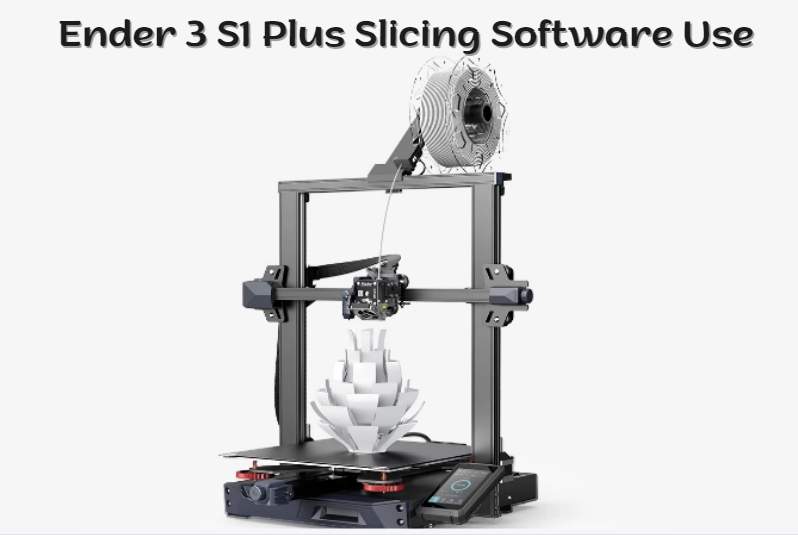
FAQs for Ender 3 S1 Plus Slicing Software
1. How to install the software?
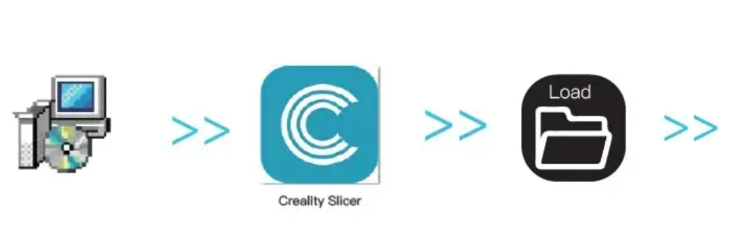
- Log in to the official website to download or find the Creality software in the memory card and install it.
- Click on the software installation package and follow the prompts to "Next", just like installing WeChat apps.
2. Is the machine compatible with slicing software?
3. What are the 5 icons in the upper right corner of the slicing software for?
- Normal mode: This is always displayed generally after the STL file is placed normally. If you want to change the parameters, you must change it in this mode.
- Suspended,
- Transparent,
- Perspective mode, basically useless;
- Slice preview mode, which can preview the whole process of printing, which is mostly used as a slice reference.
4. Are there any requirements for the model format?
5. What format is the print file in?
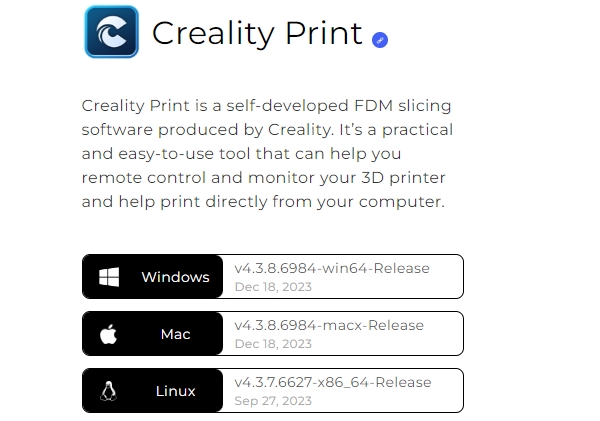
6. Where to download the slicing software?
7. What are the commonly used slice printing parameter settings?
8. What is the difference between local support & full support?
9. How to add the model when the software doesn't have a corresponding one?
10. Does the slicing software import the model?
11. Can the software modify the model size?
12. How to adjust the model angle?
13. How to drag, zoom in and see model details?
14. How to rotate the view to see the model from multiple angles?
15. How to set the wall thickness?
16. What is the printing temperature of PLA filament?
17. What should I do if the nozzle always scrapes the model down after the model is printed high?
18. Why are there always gaps at the top of the model?
- Thicken the top solid layer by 1.2mm generally
- Increase the filling rate of the model by 20-30% generally
- Adjust the filling coincidence by15-25% generally
- Modeling problems, fixing the model
19. How to deal with plastic wiring and drawing?
- Adjust the retraction speed (50-80mm/s) and length (3mm).
- Refer to the suitable printing temperature range. Avoid overtemperature.
20. Why is the bottom support always sticky and easy to fall?
21. How to switch from fast mode to full mode?
22. Can the software default parameters print the model directly?
23. How to save slice files?
Other FAQs for Ender 3 S1 Plus
1. How to deal with the problem of warping when printing?
2. How to get the model?
3. How to maintain the printer?
- Clean the fan blades regularly
- Apply lubricating oil (grease) to the screw regularly
- Clean the throat regularly (3-6 months)
4. How long is the after-sale warranty?
5. How to deal with platform and nozzle shaking?
6. What should I do if the machine pauses during printing?
- Slicing problem: The slicing is unsuccessful or not fully exported. Please reslice or wait for the export progress buffer to complete.
- The file transfer is interrupted during SD card printing. Please replace or format the card.
- If you still can't solve it, you can contact the after-sales service for assistance.
7. What should I do if the heat bed is automatically heated or the temperature is displayed abnormally?
Ender 3 S1 Plus Unboxing Operation
 People Also Read:
Ender-3 S1: 50 common printer problems and how to solve?
Comparative Analysis: Creality Ender 3 Pro, Ender 3 V2, Ender 3 S1, Ender 3
Recent News

8 Halloween 3D Print Ideas to Make Before October 31

Ender Series 3D Printers Parameter Comparison

Creality Back-to-School Sale 2026: Save Up to 50% on 3D Printers and More
